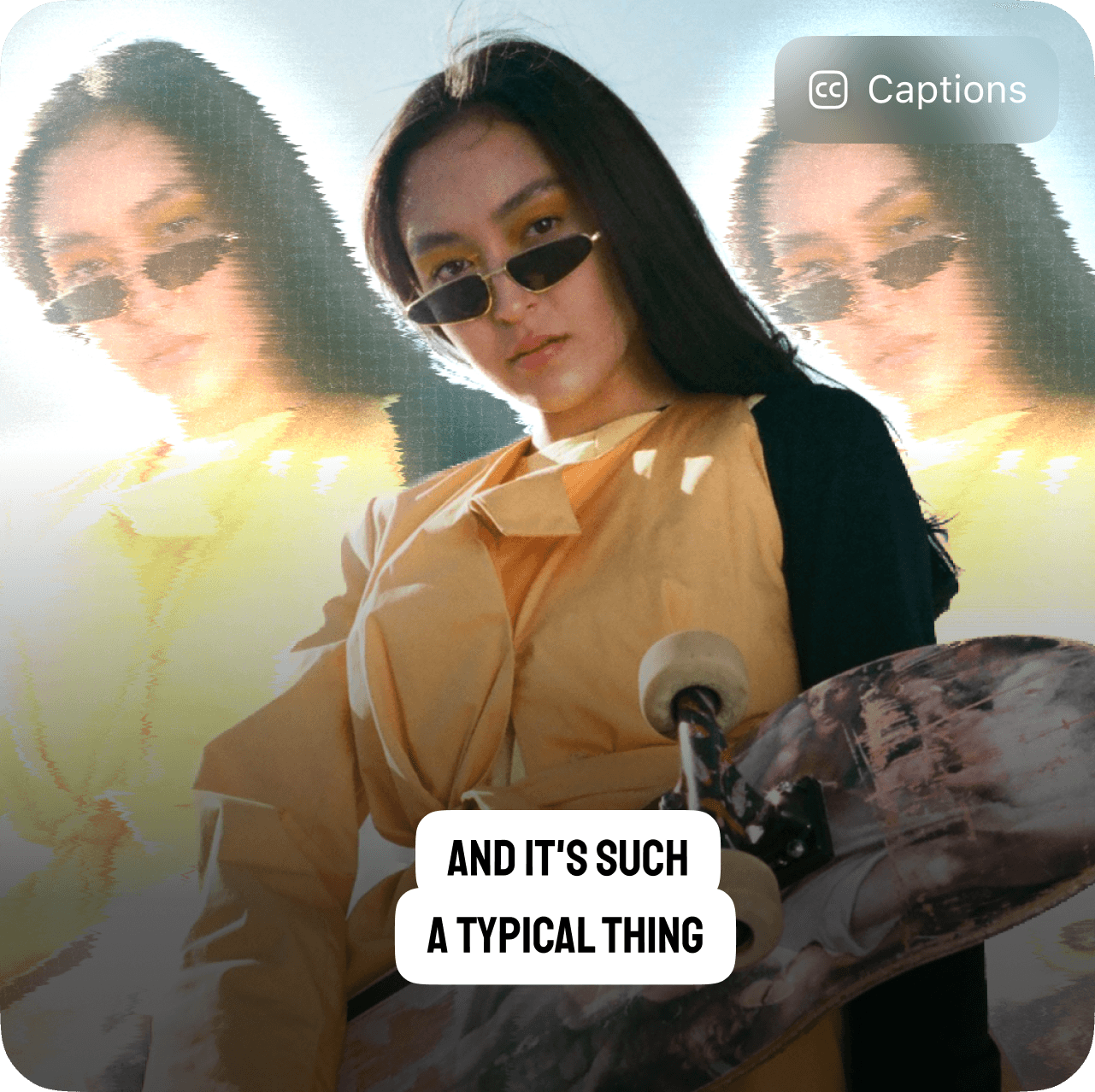
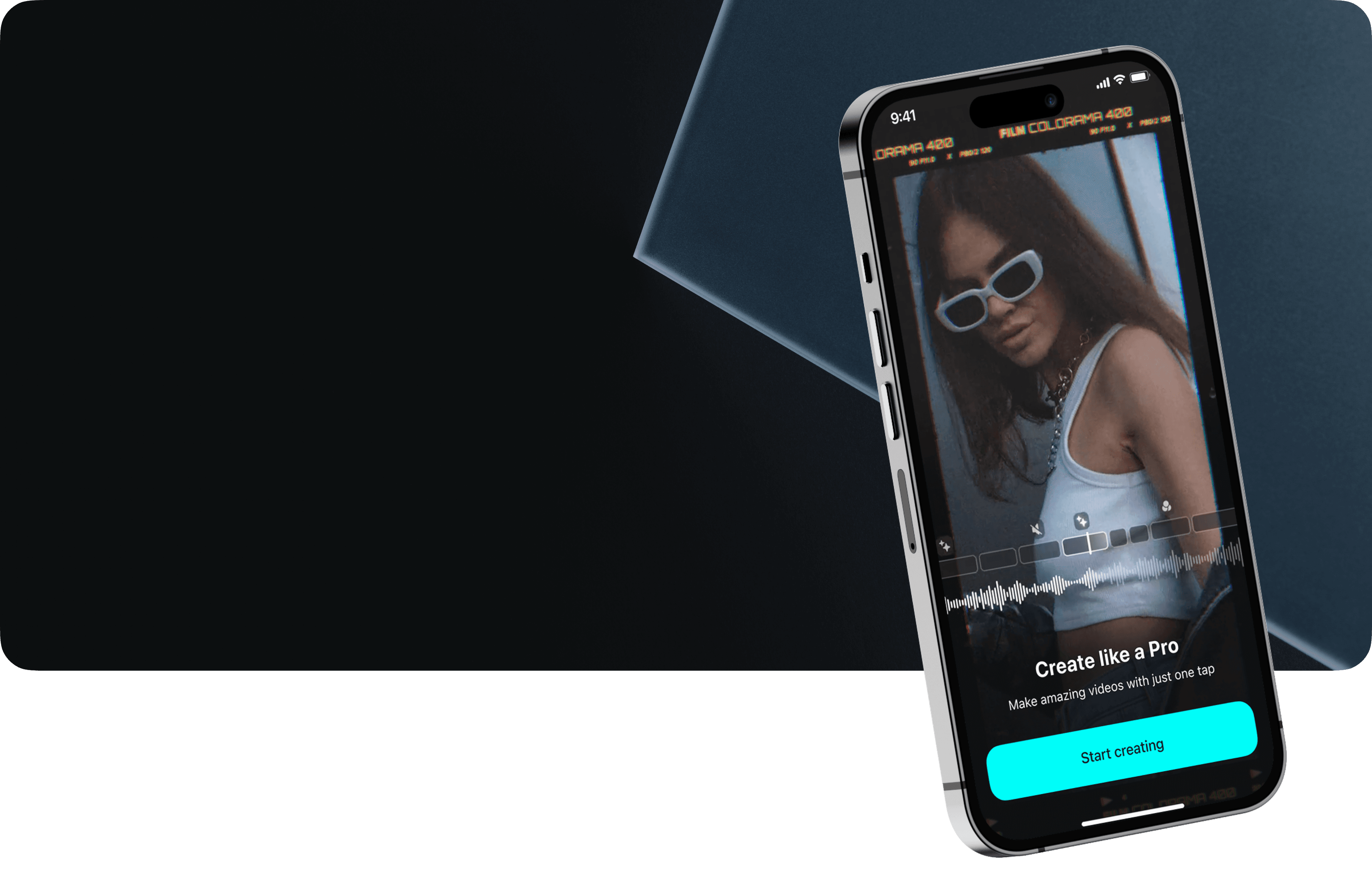
Create trendy Reelswith just one tap
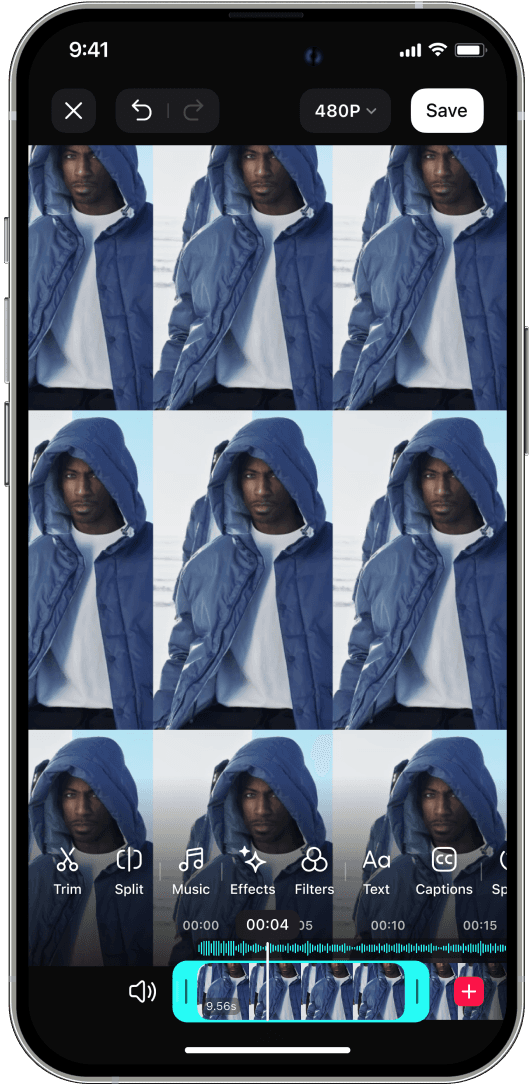
Vids is a video editing app with the possibility of both quick editing using templates and multifunctional editing in a full editor
Since May 2023, the app's MAU has grown 4 times
Adding new features required changes in the interface
I did a complete redesign, updating both UX and UI
Duration
11 month
Releases
30+

Through interviews and user feedback, I knew that the main advantage and what sets Vids apart from the competition is its simplicity and speed

That's why during the redesign process it was important for us to keep balance between adding various new tools and simple editing in a few clicks
Sharememories
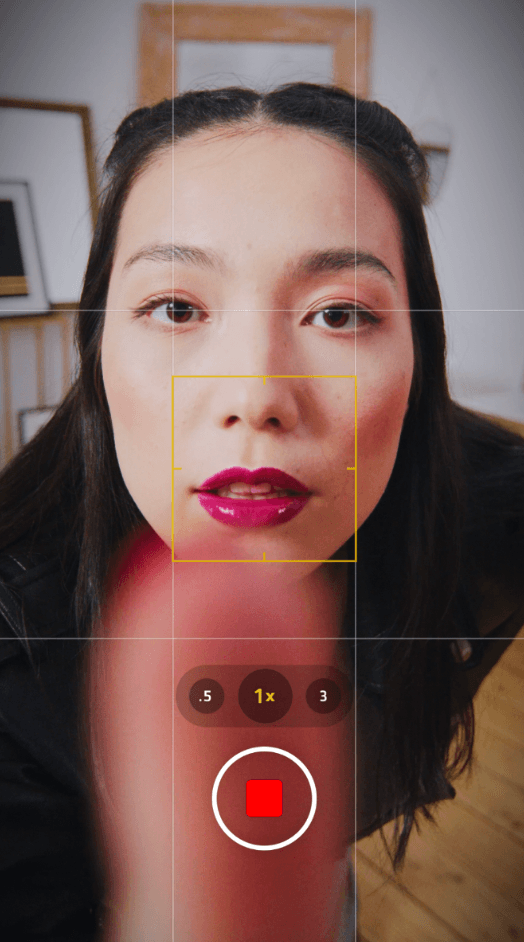




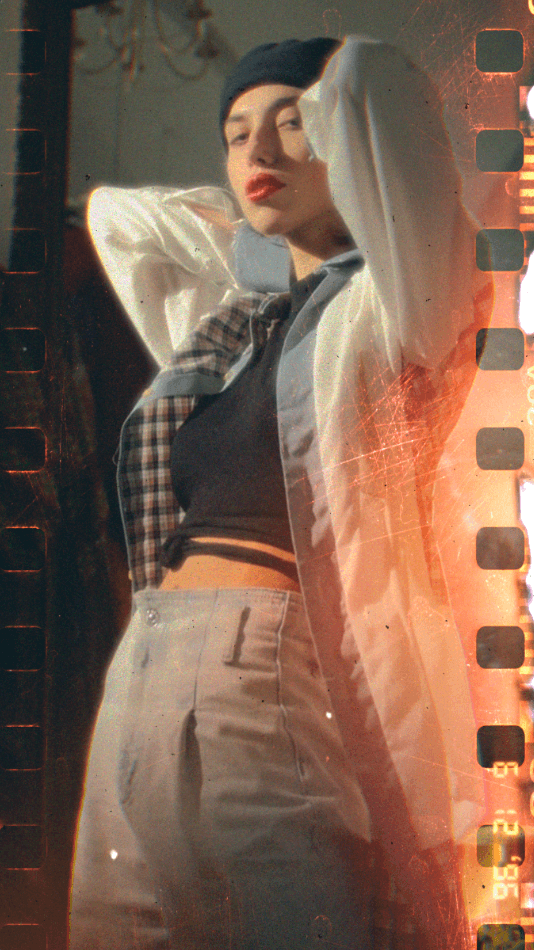

in justone tap
Workprocess
The work is structured around weekly sprints. Each sprint, we release a new feature, enhance existing ones or publish content

Research
I started by analyzing existing metrics and conducting user interviews to find weaknesses

Analyze
Based on findings, I hypothesized improvements for each tool and prioritized them using RICE method

Design
Along with improving the logic for each flow, reworked the UI and started the design system

Verification
We tested every interface change. Most often we used A/B testing and tracked UX Metrics
Templates
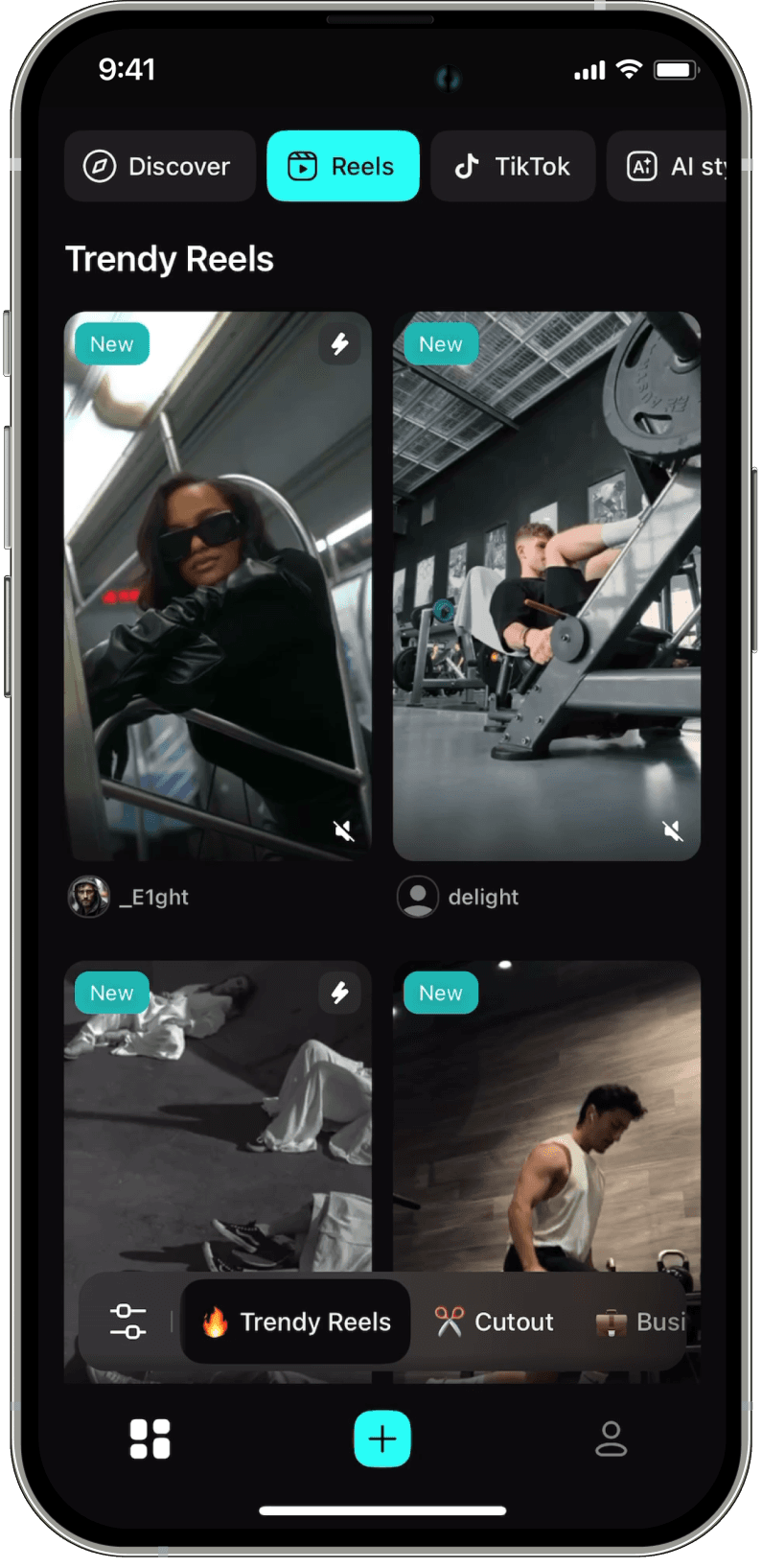
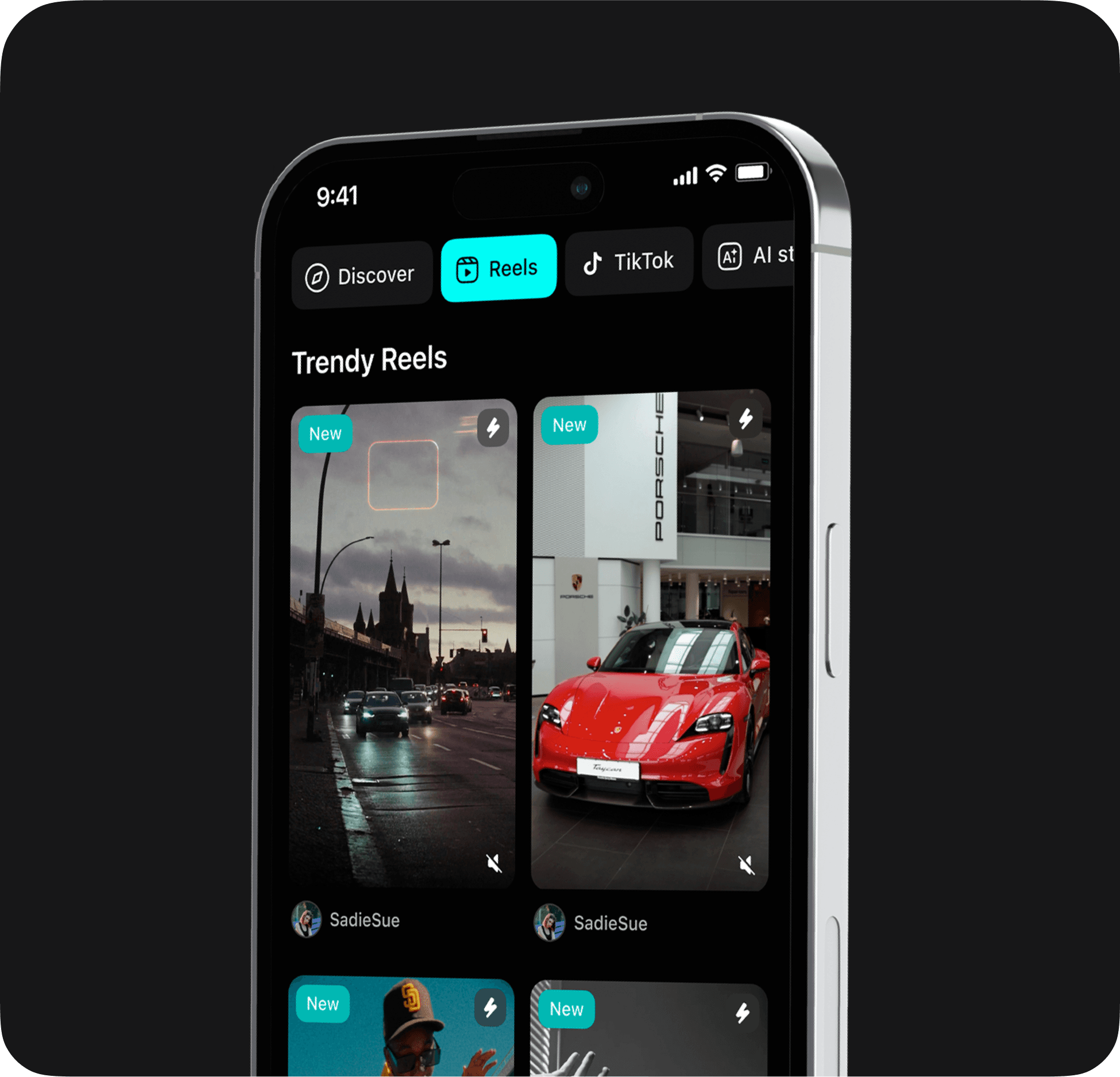
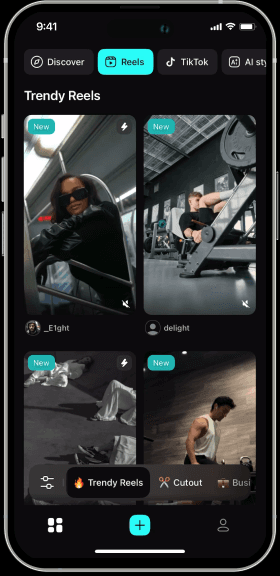
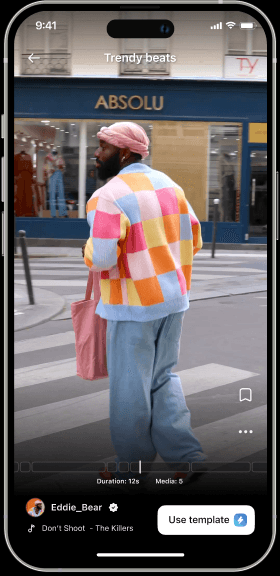
Templates are what users love the most. Just add your media and a stunning video will be ready in seconds
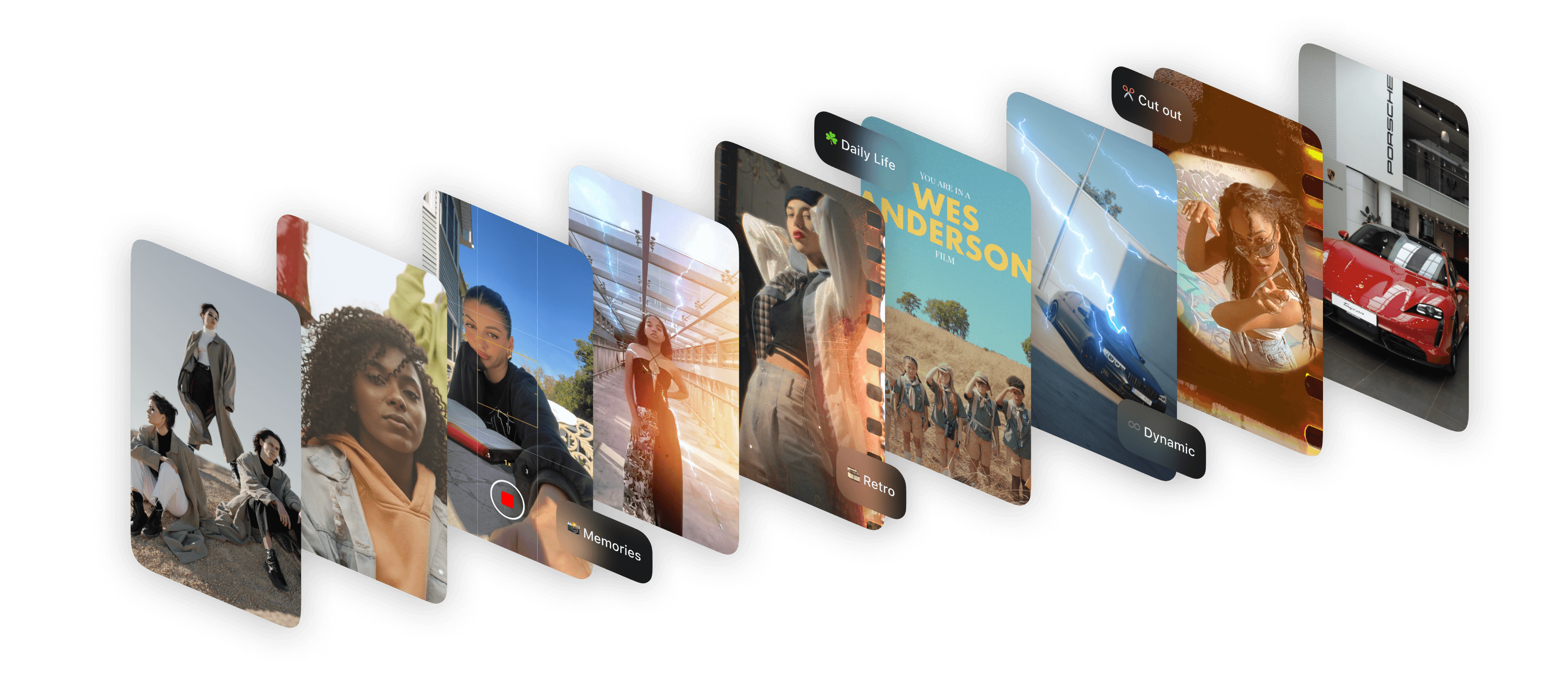
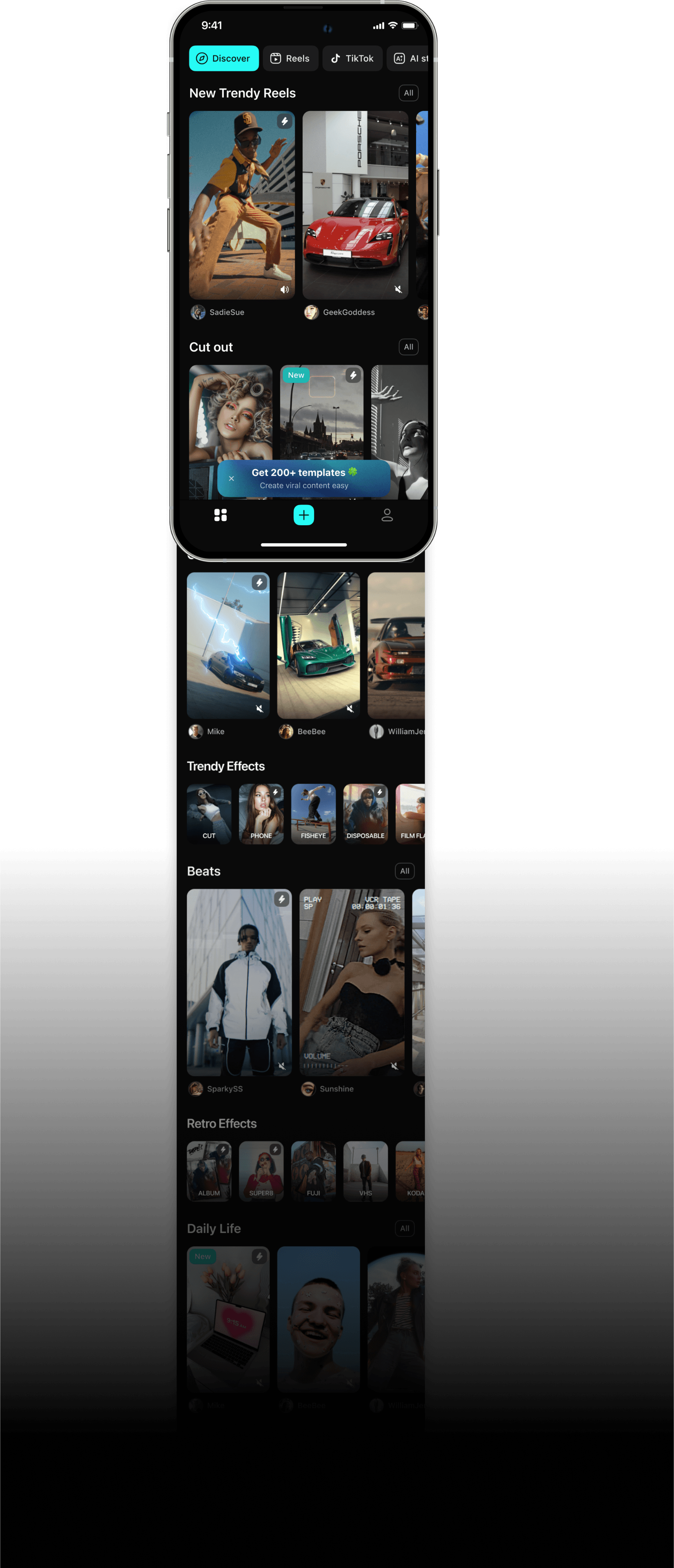
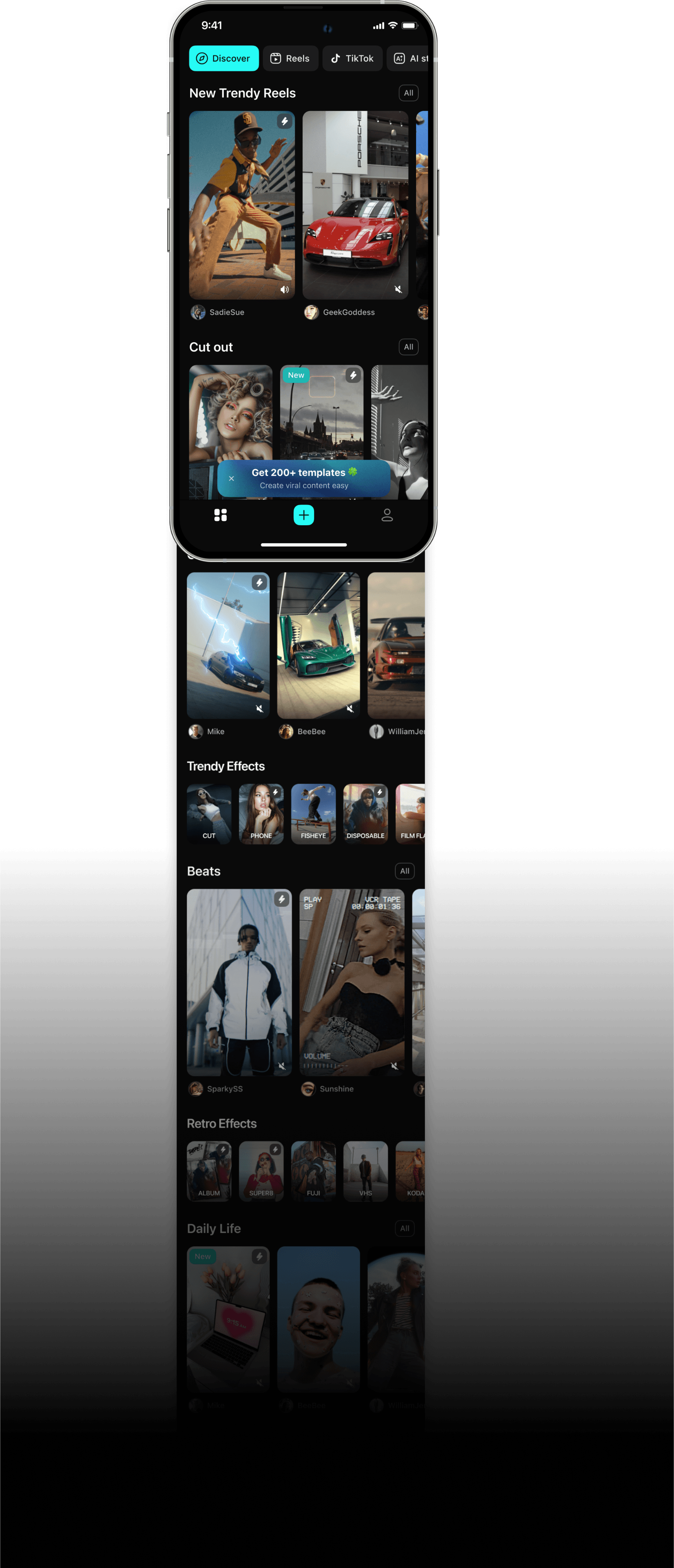
For the common, I've prepared a varied grid with different types of content. The content team can manage it and update the page with each release
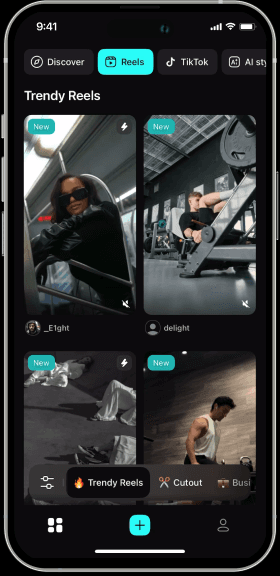
The content team prepares new templates weekly. I've streamlined search with trend categories, moods, and filters
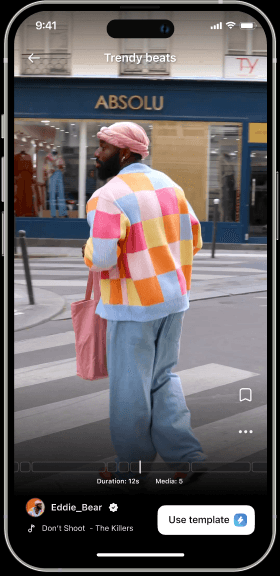
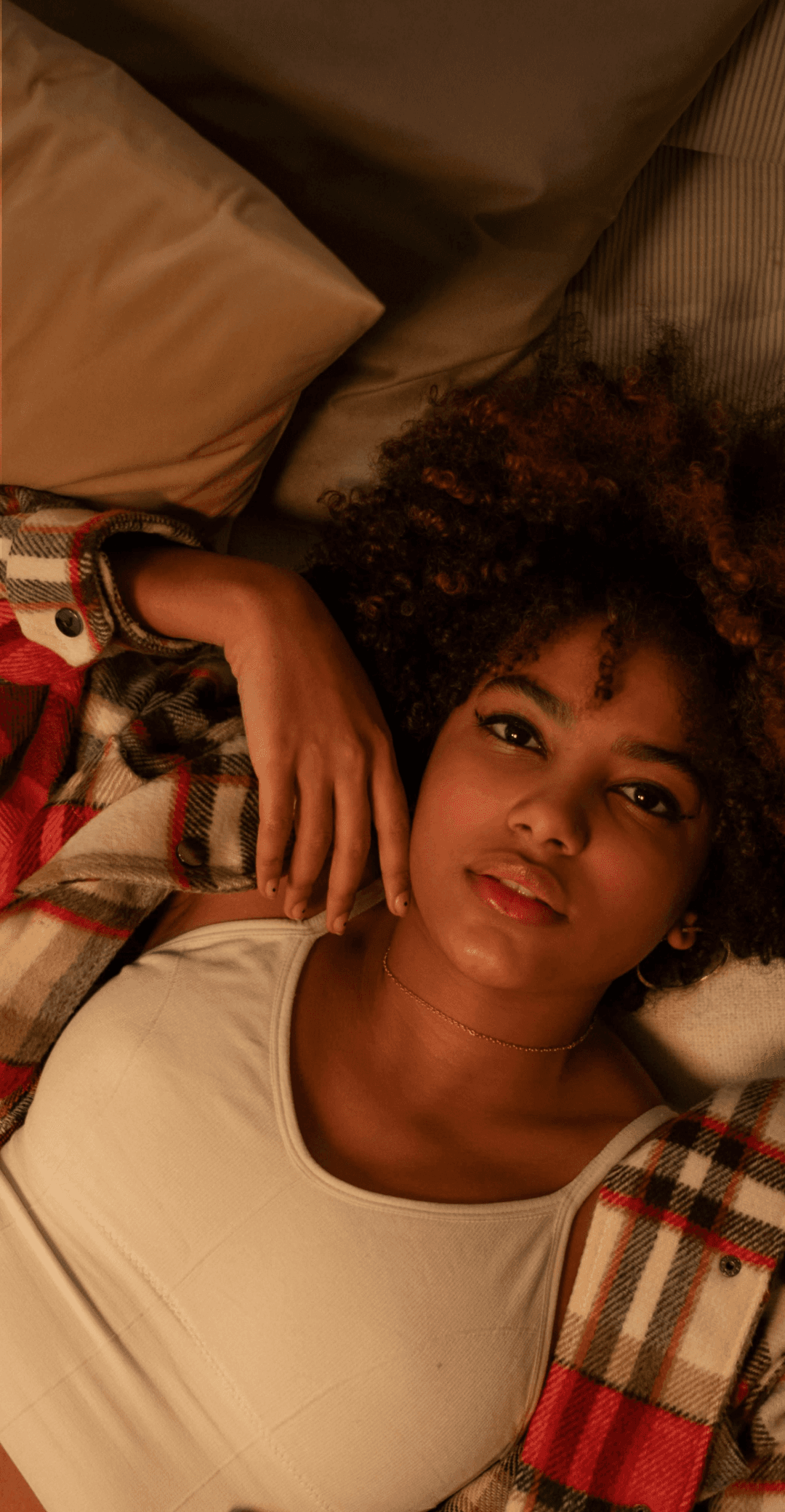
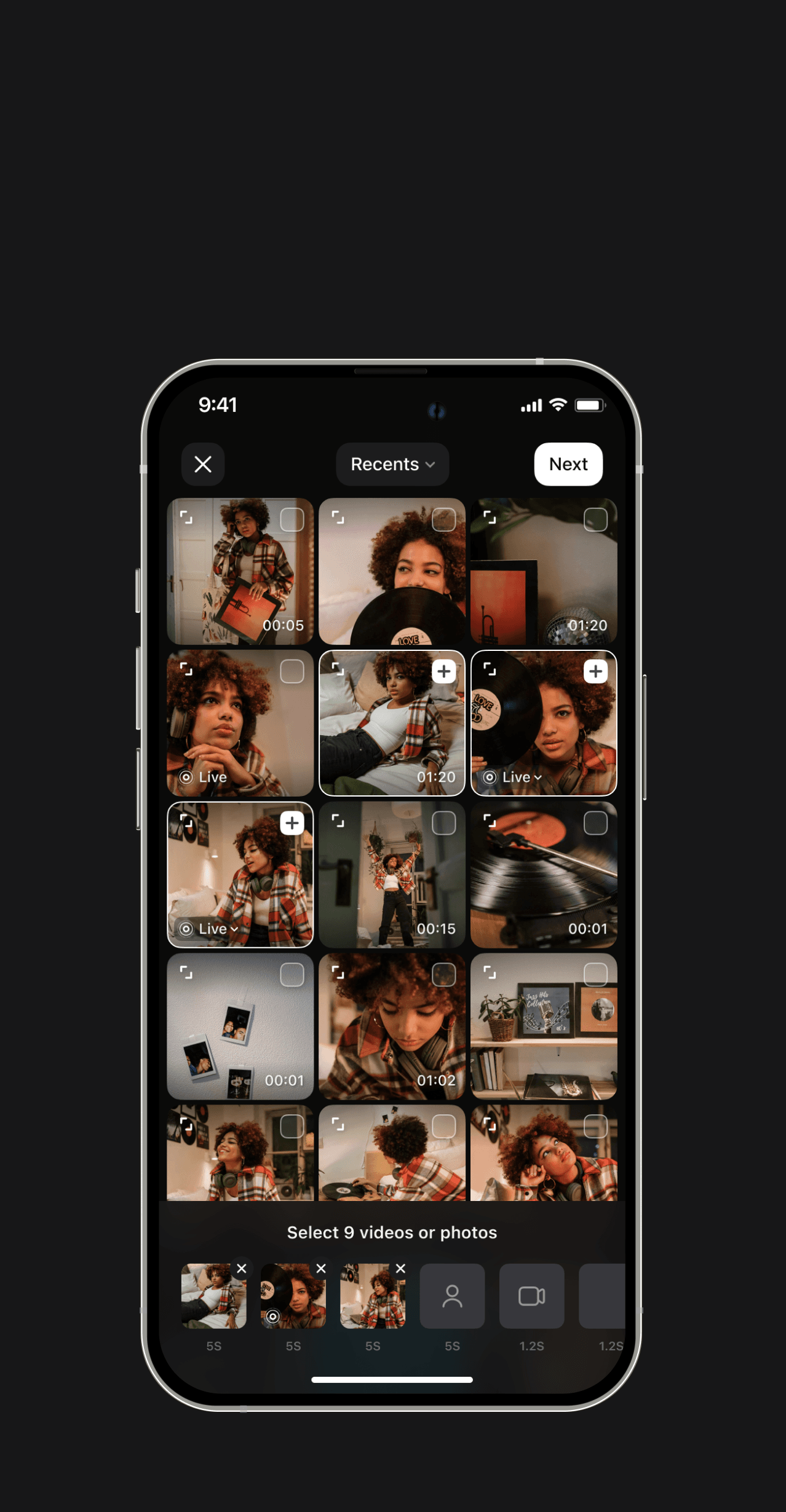
Once user has selected a template, he needs to add his photos from the gallery
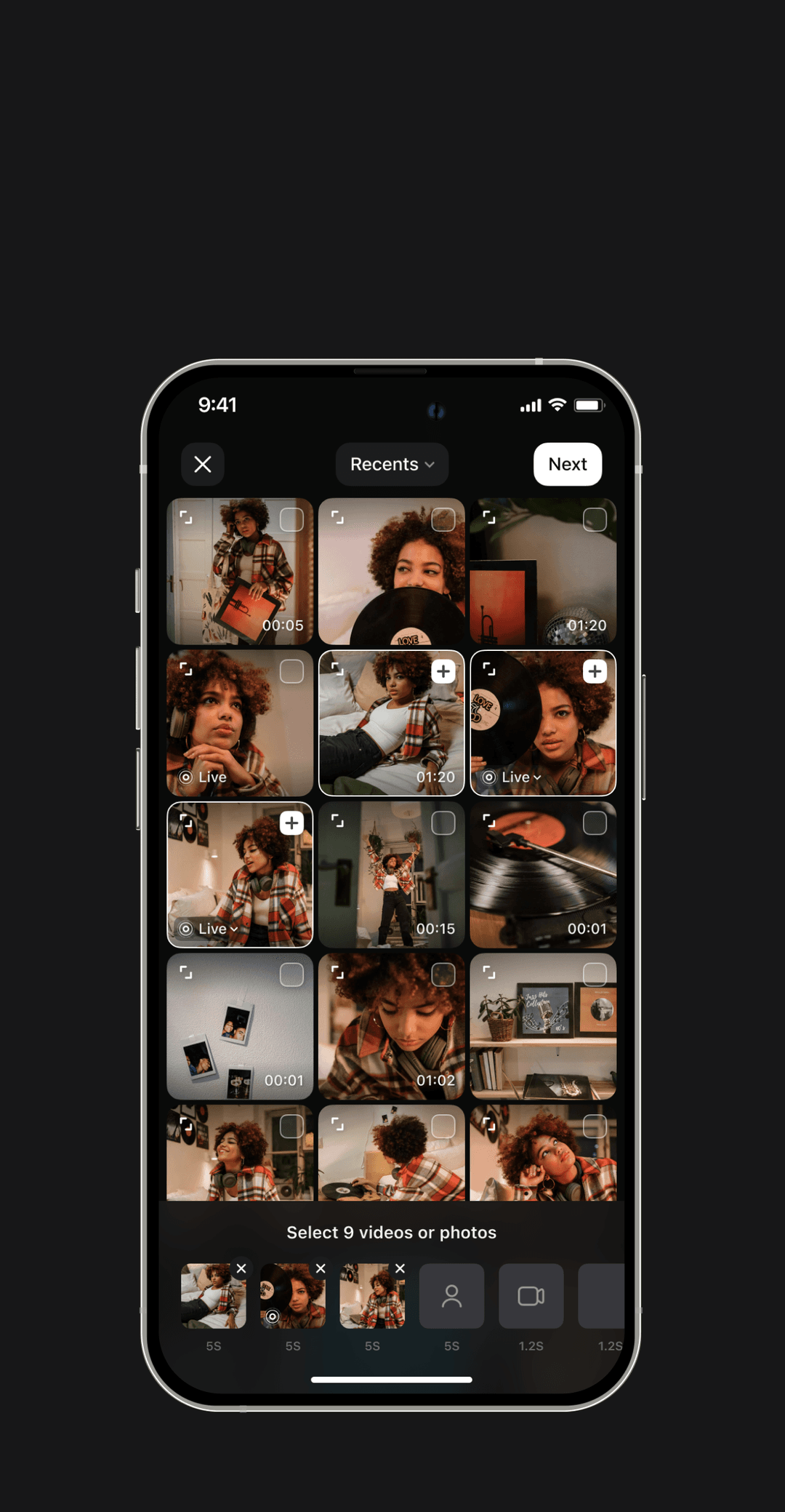
In the picker, I added hints on which media would look better in the template
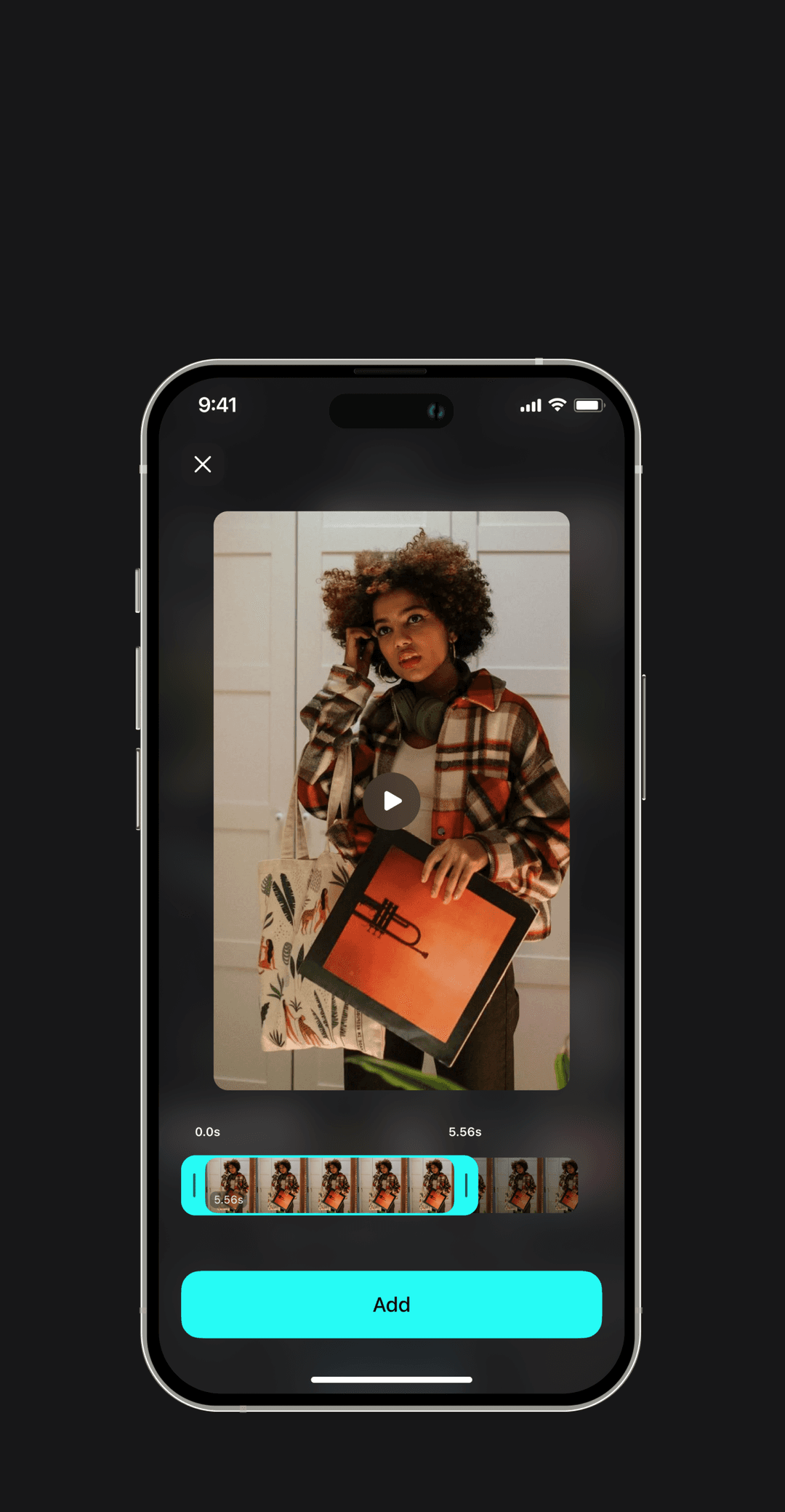
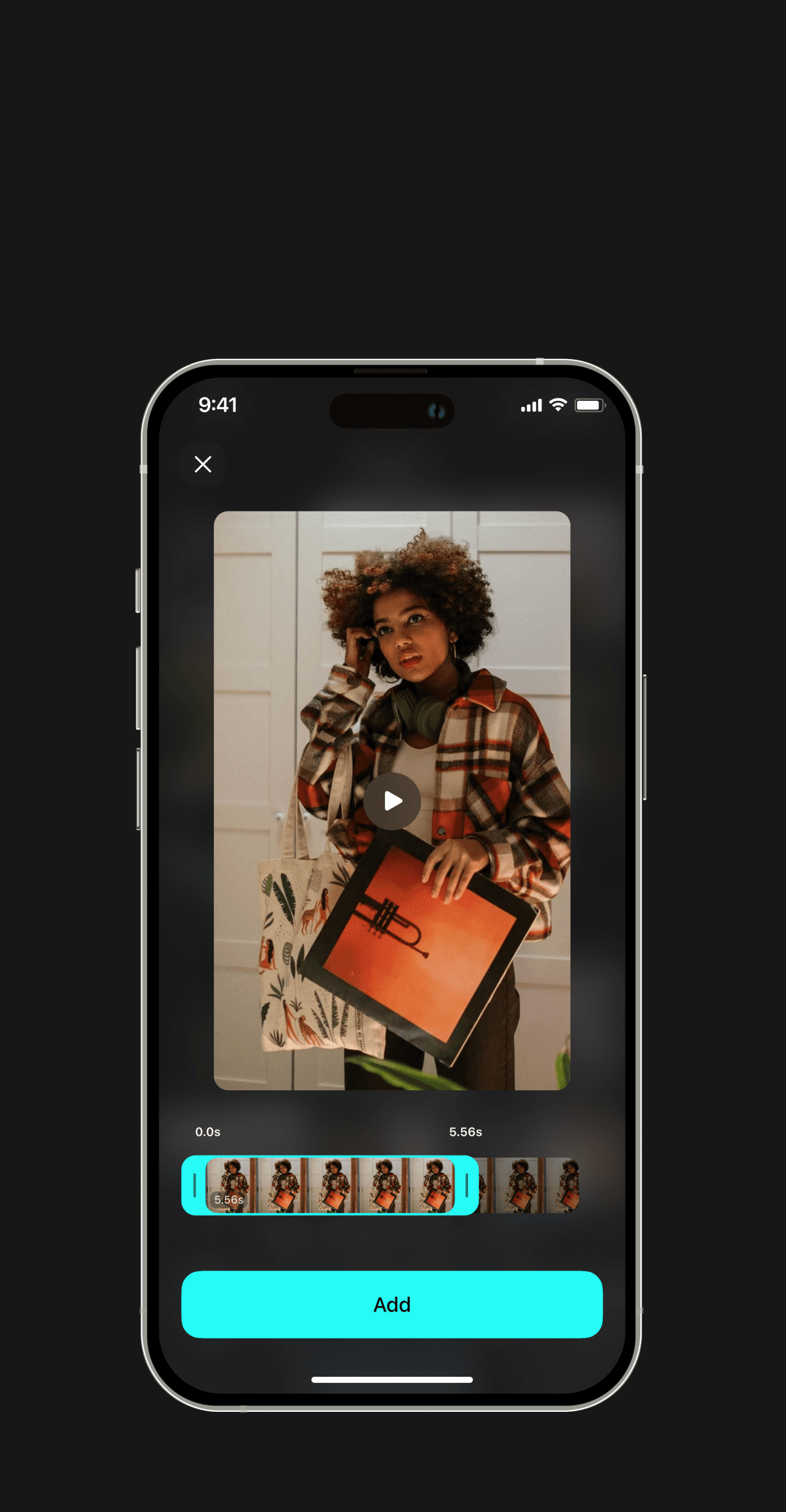
In the preview, you can check media or select a desired piece of video
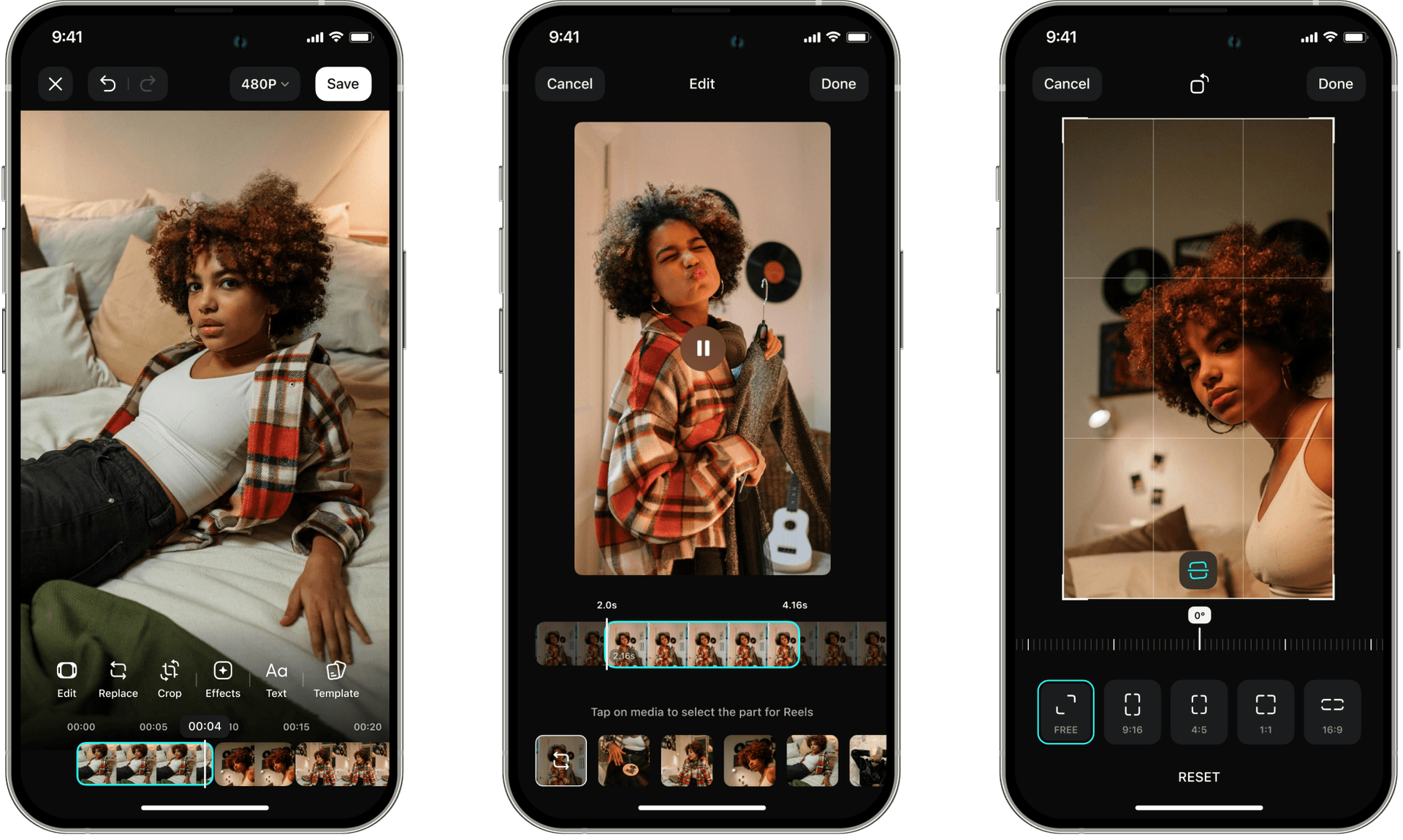
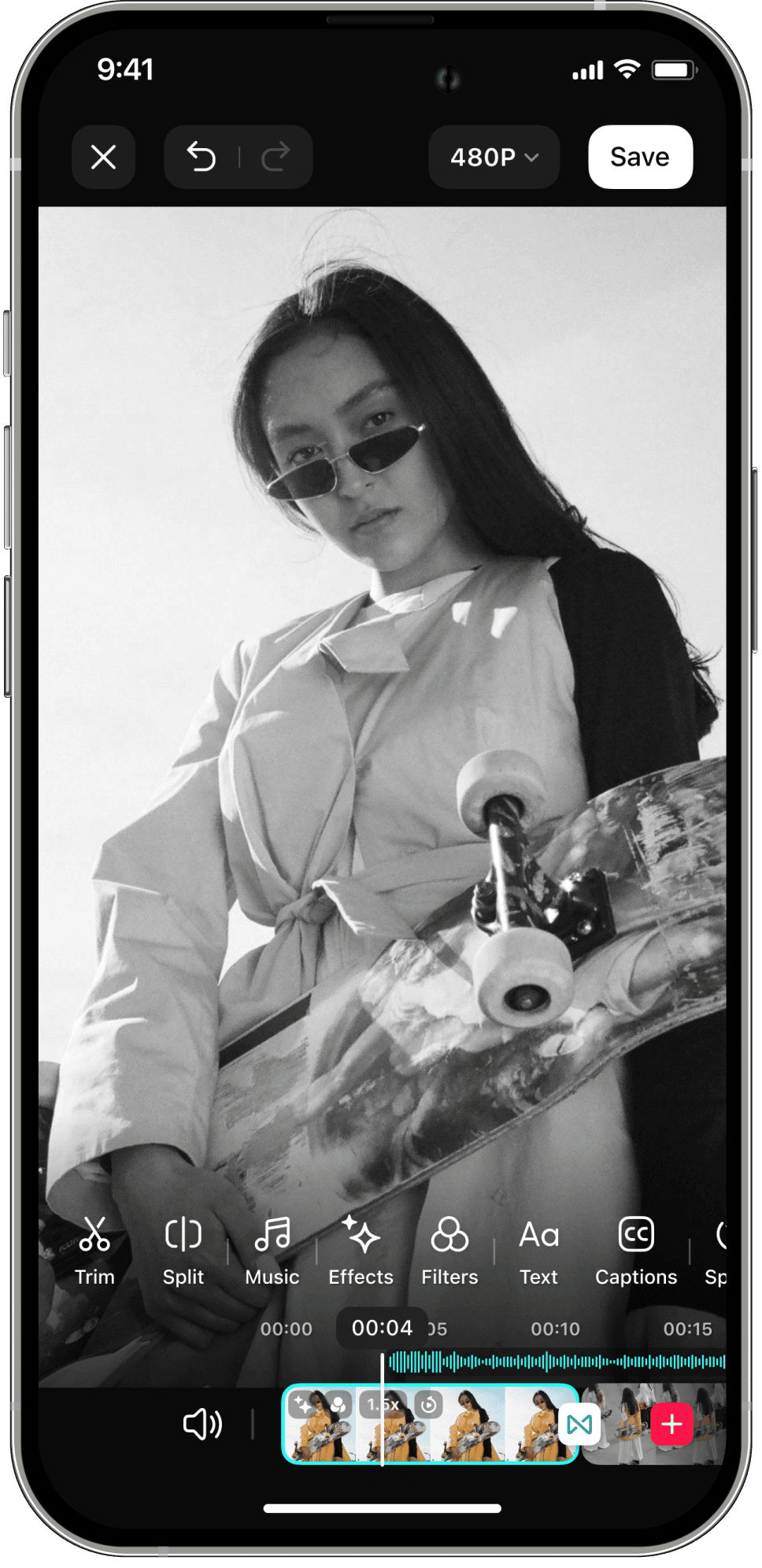
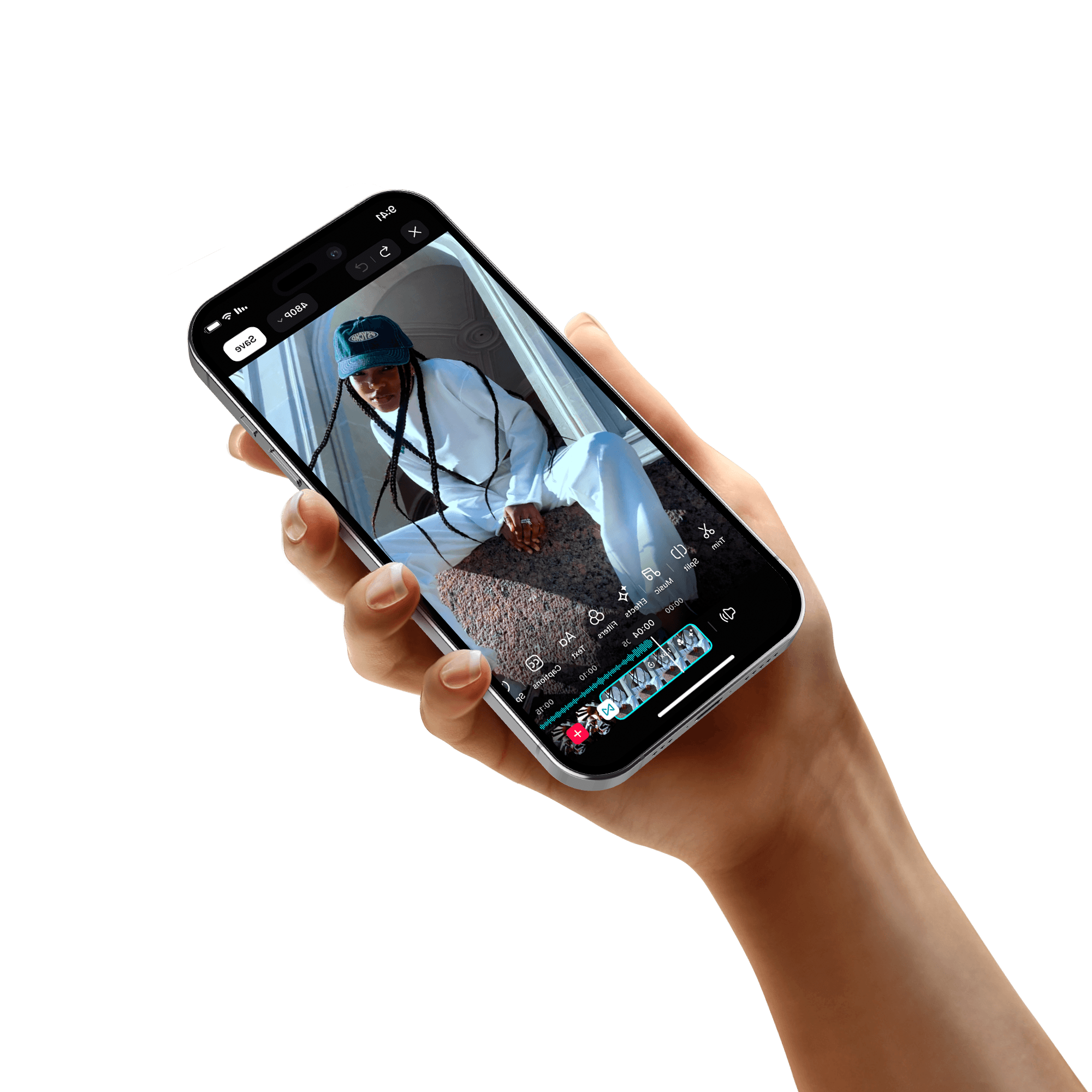
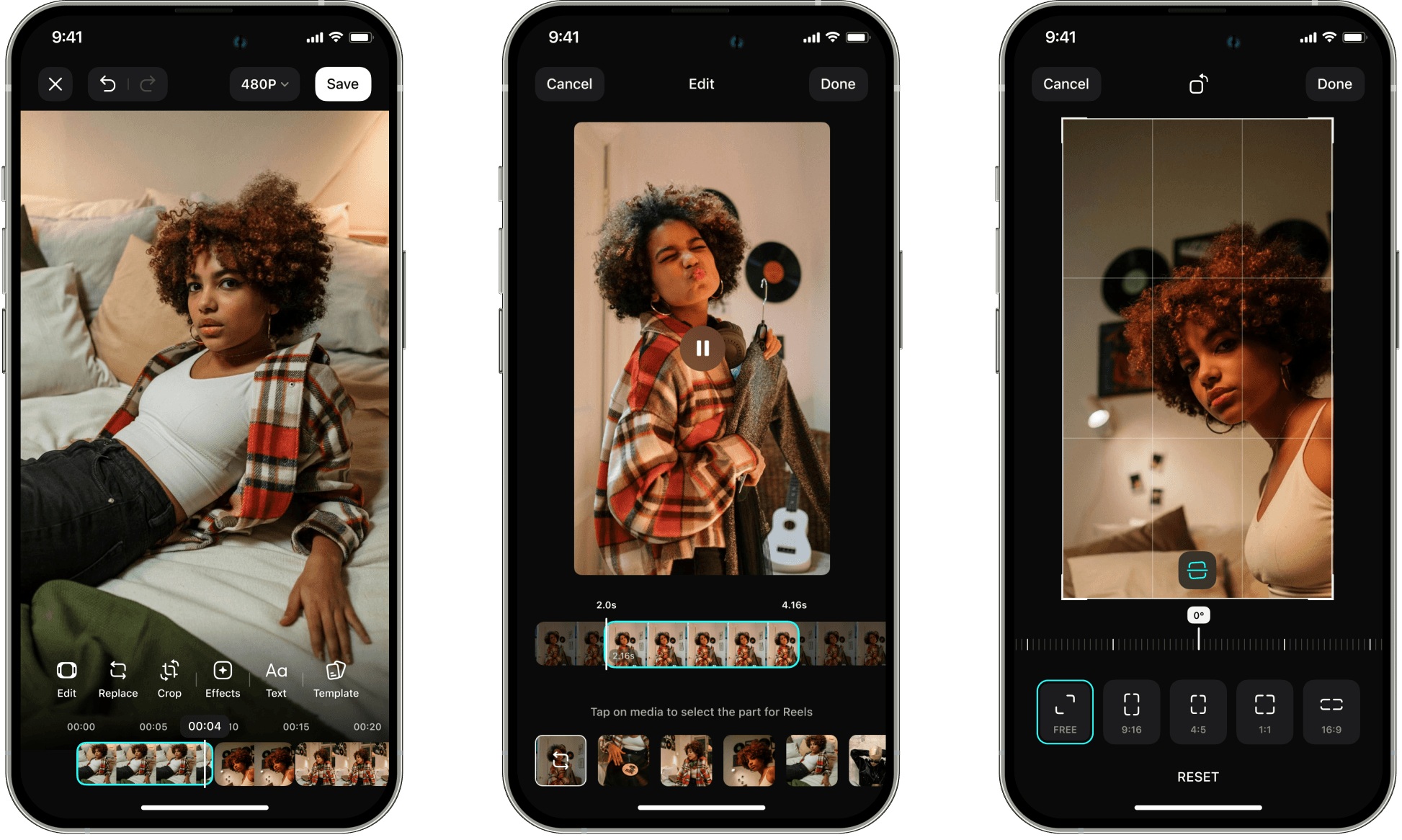
There are plenty of editing tools available for the produced video
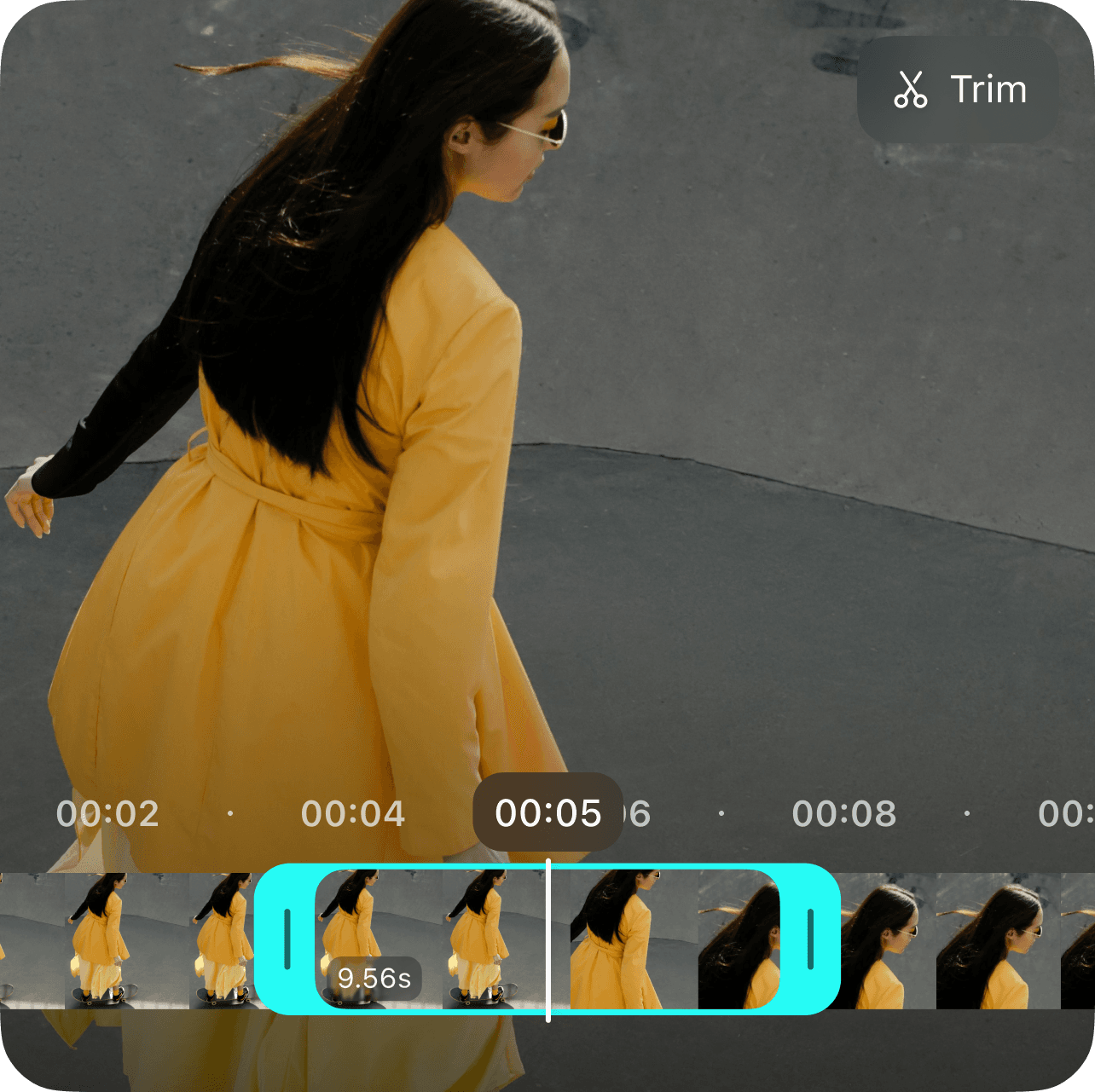
 Trim video to take the best part
 Crop or turn media
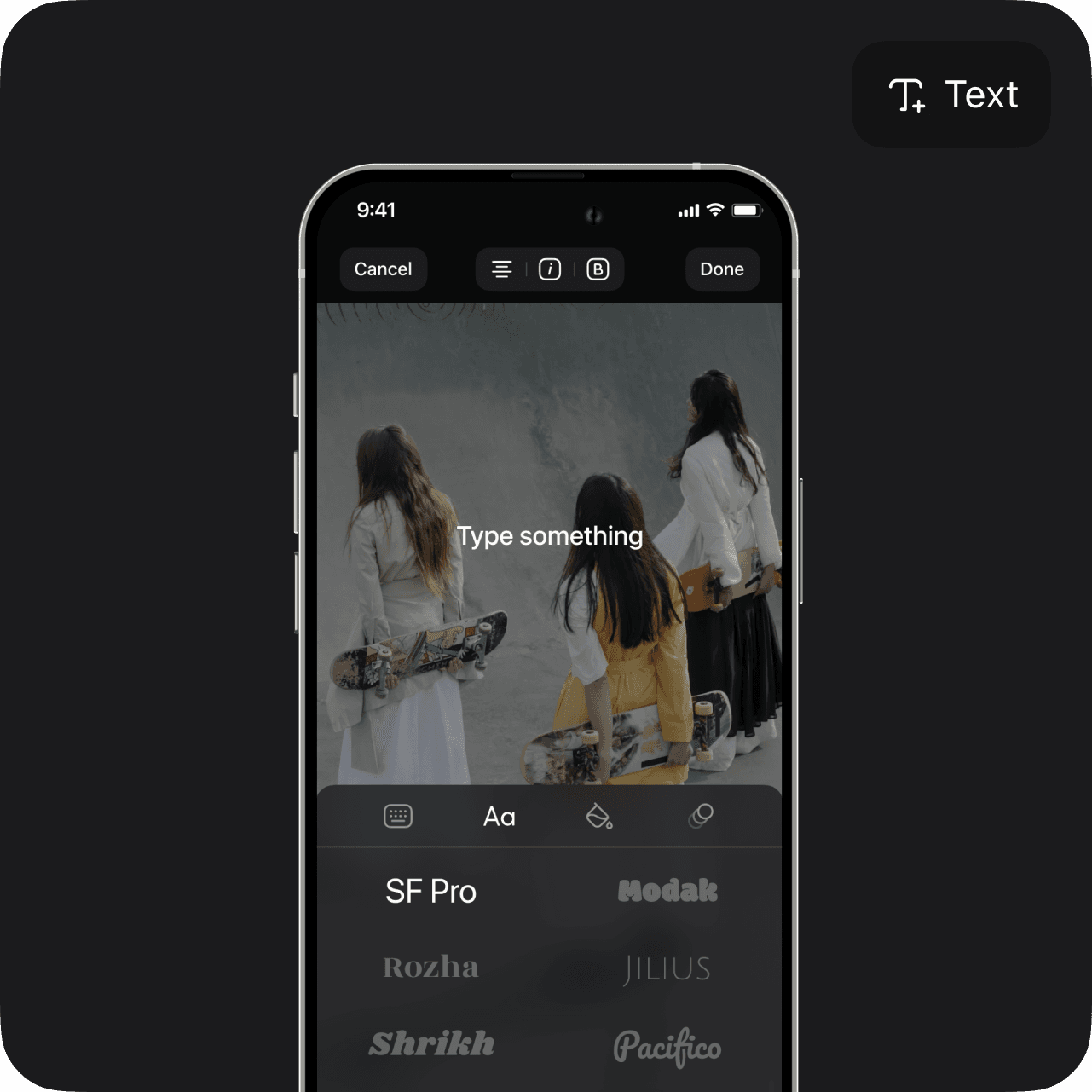
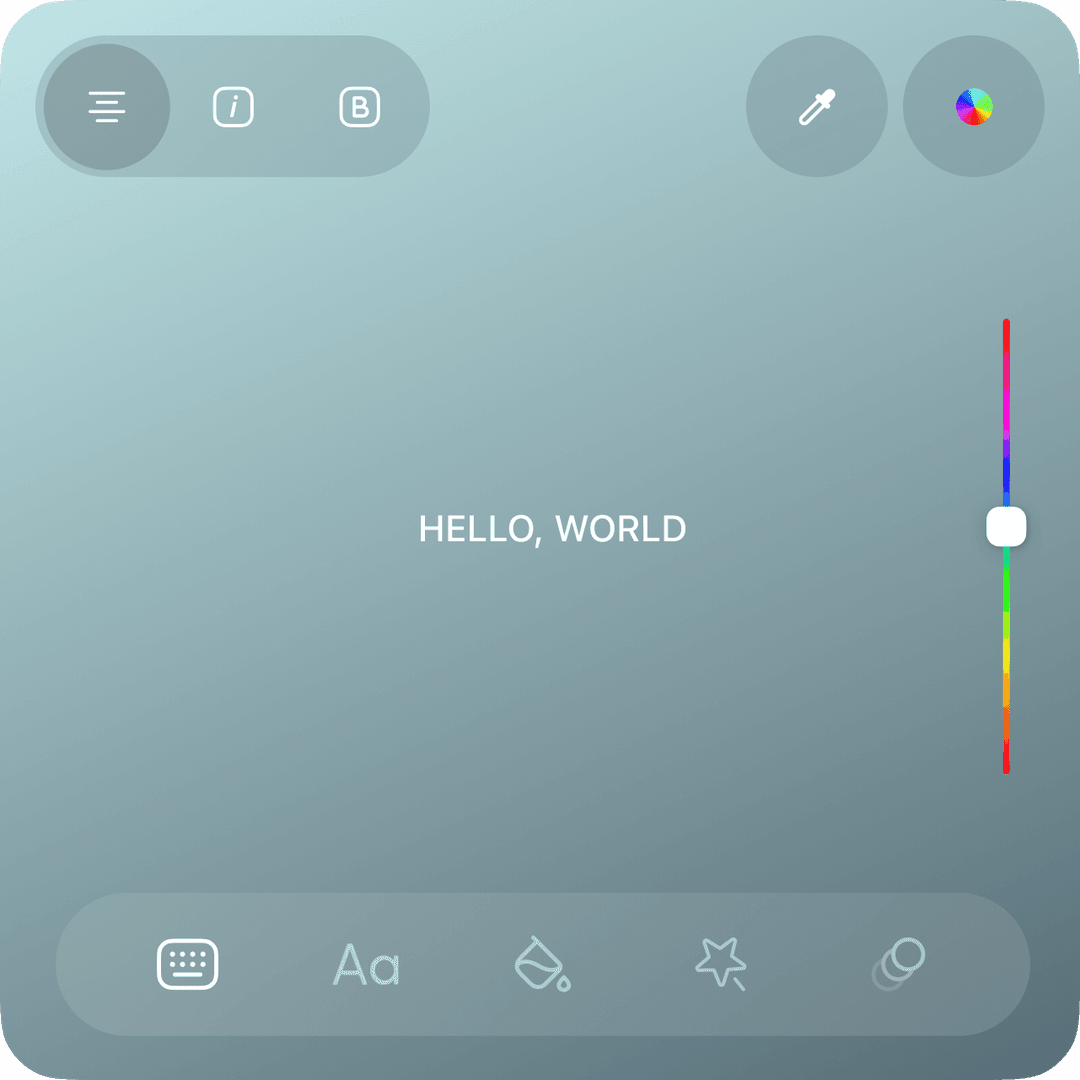
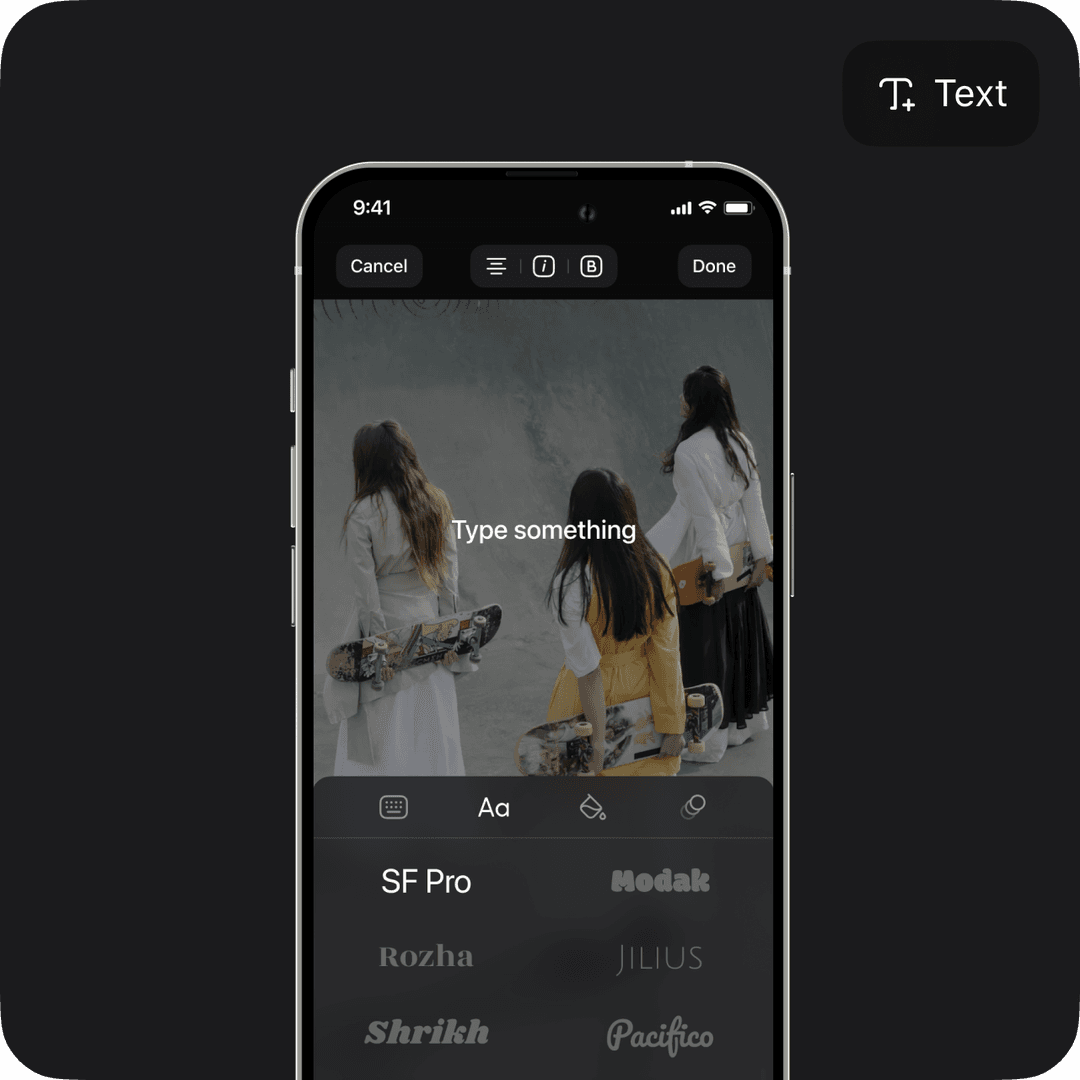
 Add text
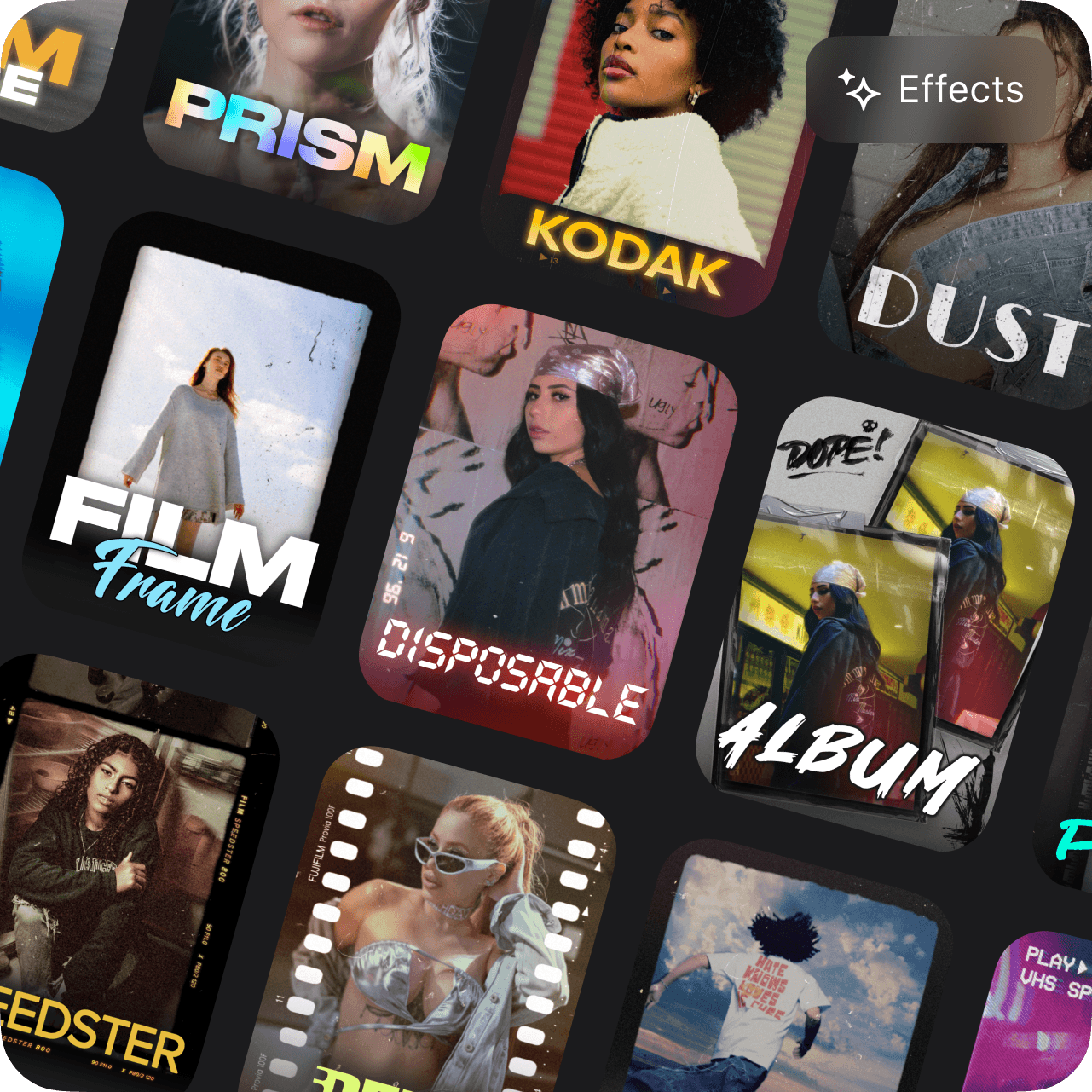
 Turn on or off all effects
 Switch to another template
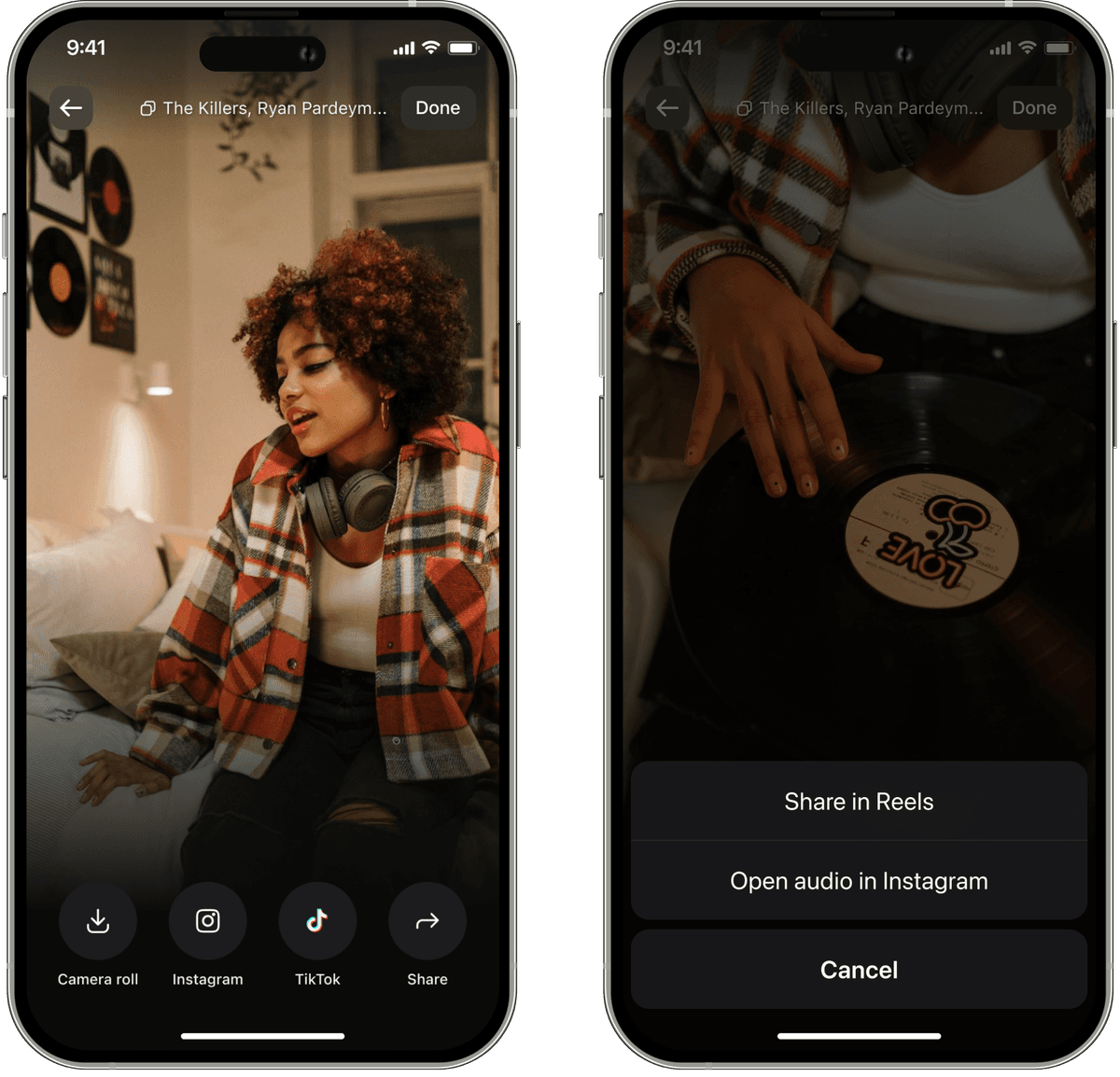
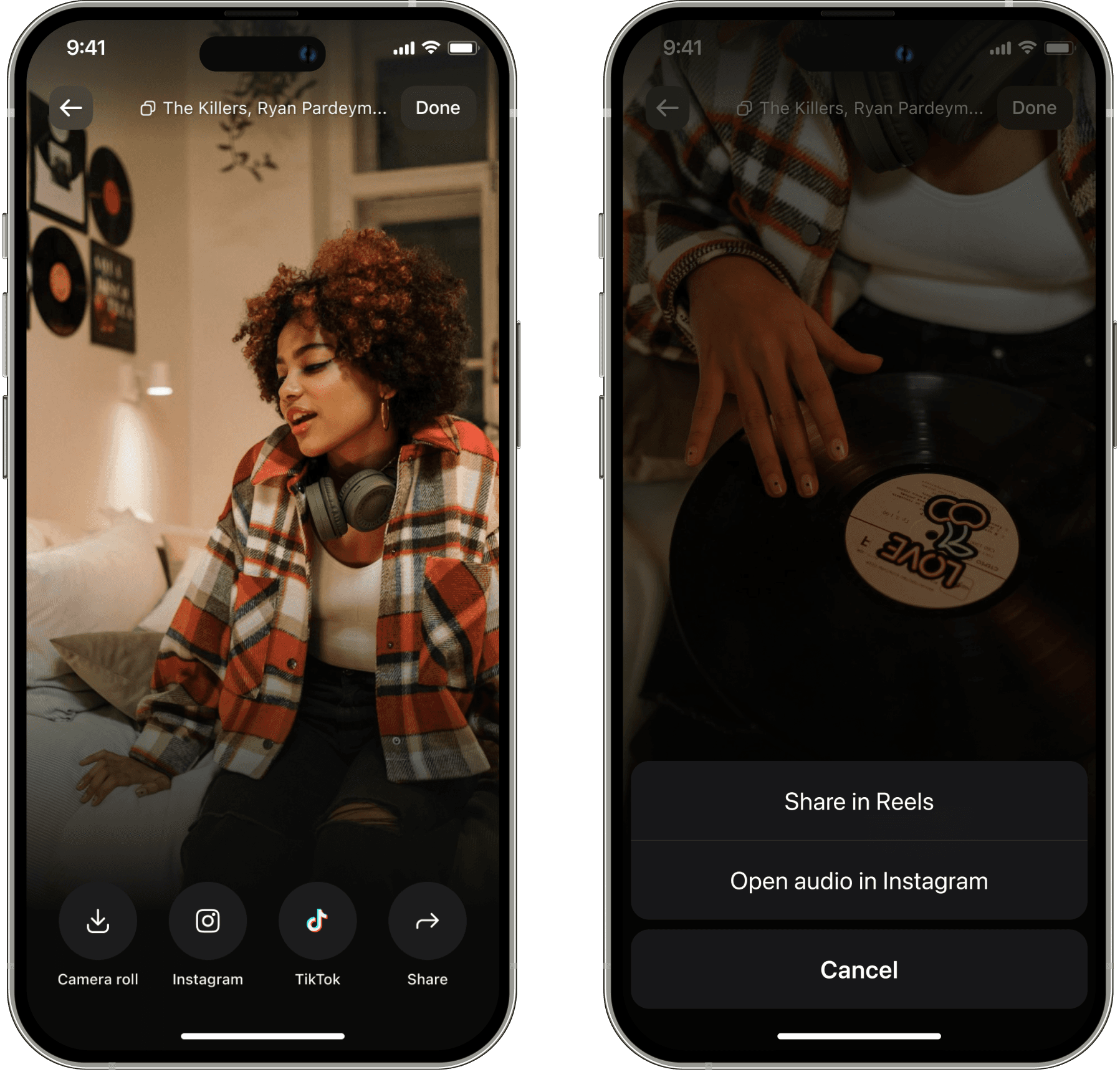
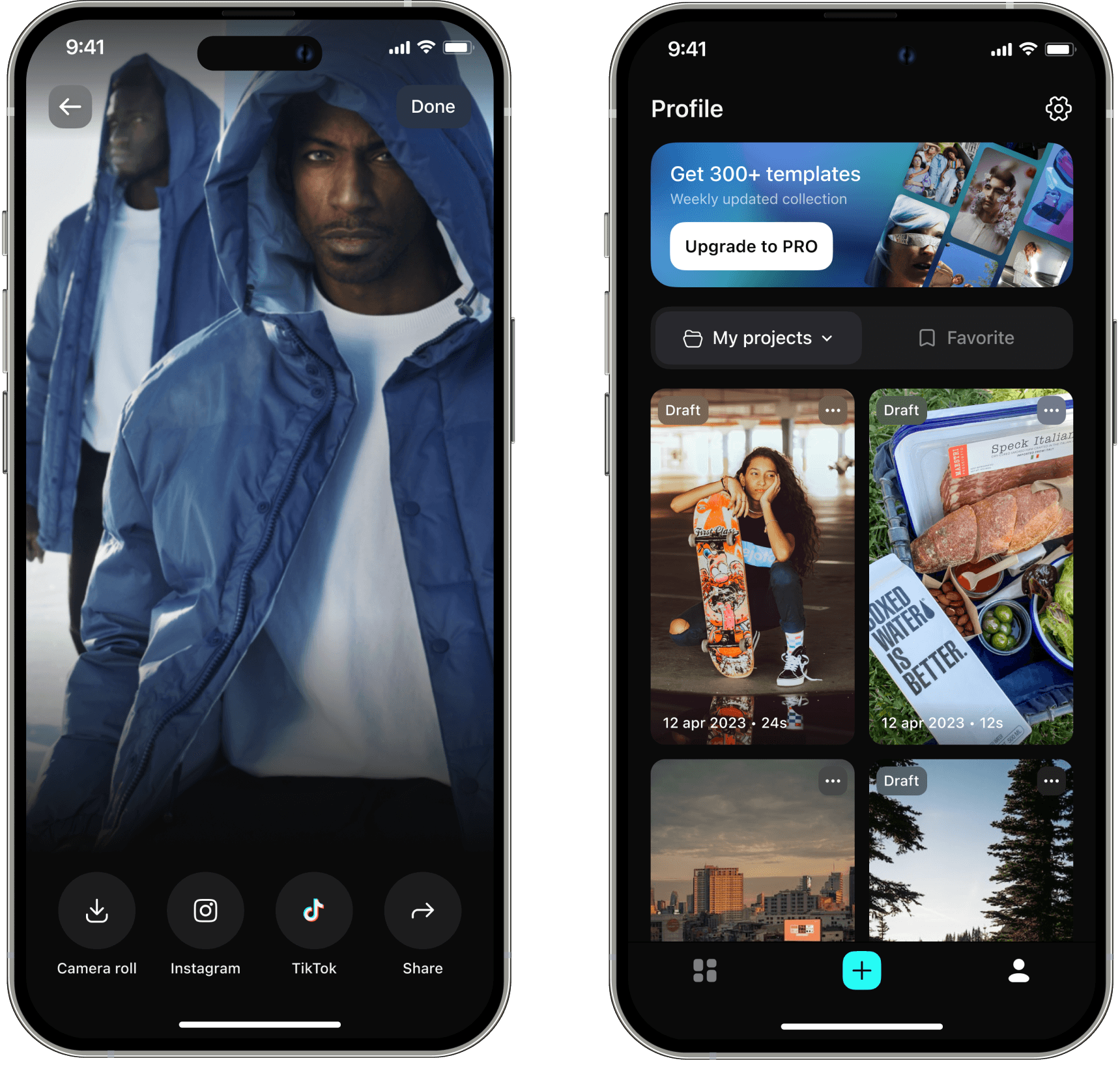
You can save the finished video to your phone's gallery or you can share it directly to social networks: for example, via instagram sound
+36%
The video export conversion rate increased
+45%
The video save to gallery conversion rate increased
+3.5%
Conversion to subscription purchase from templates
Start fromstratch
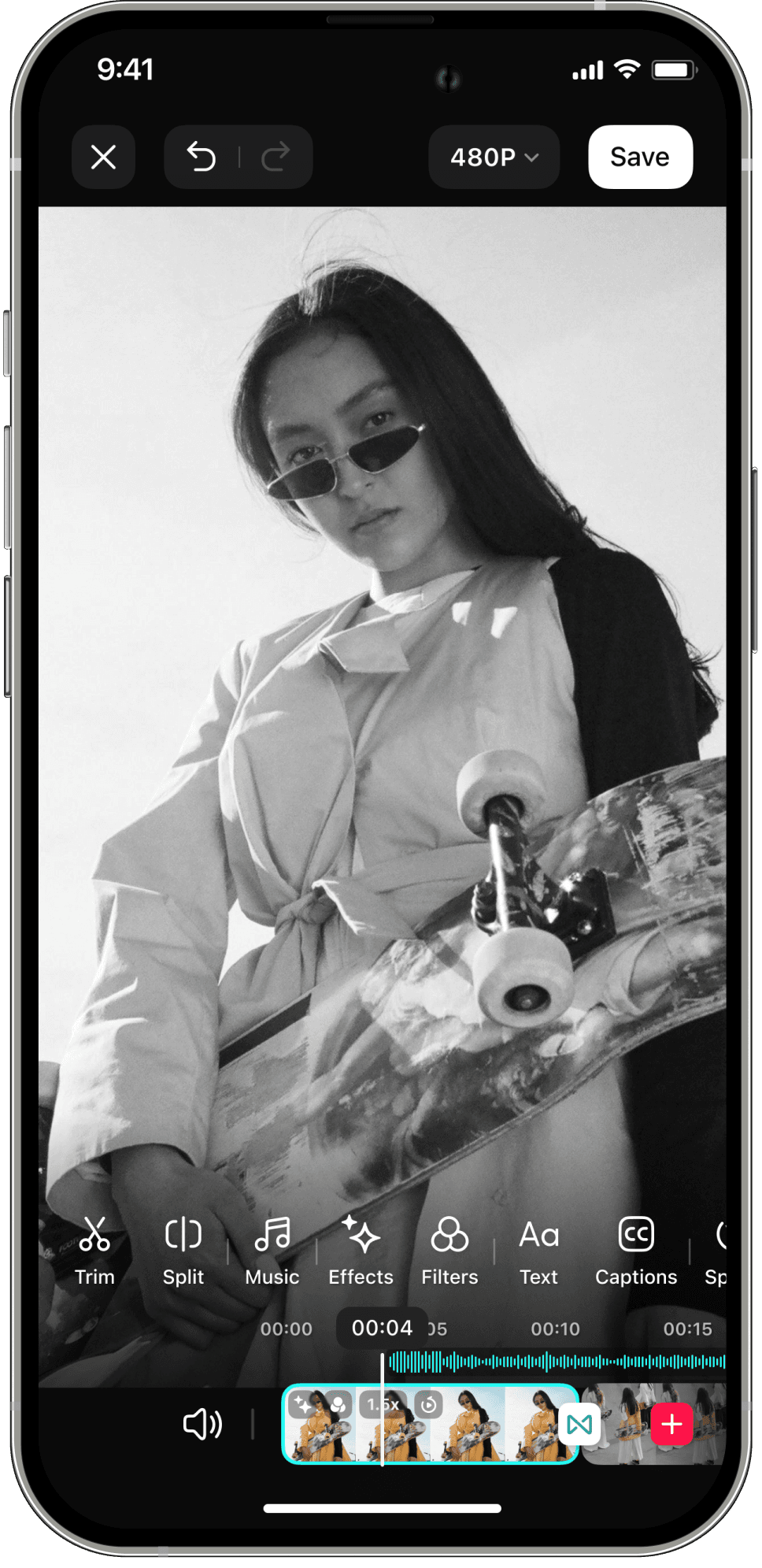
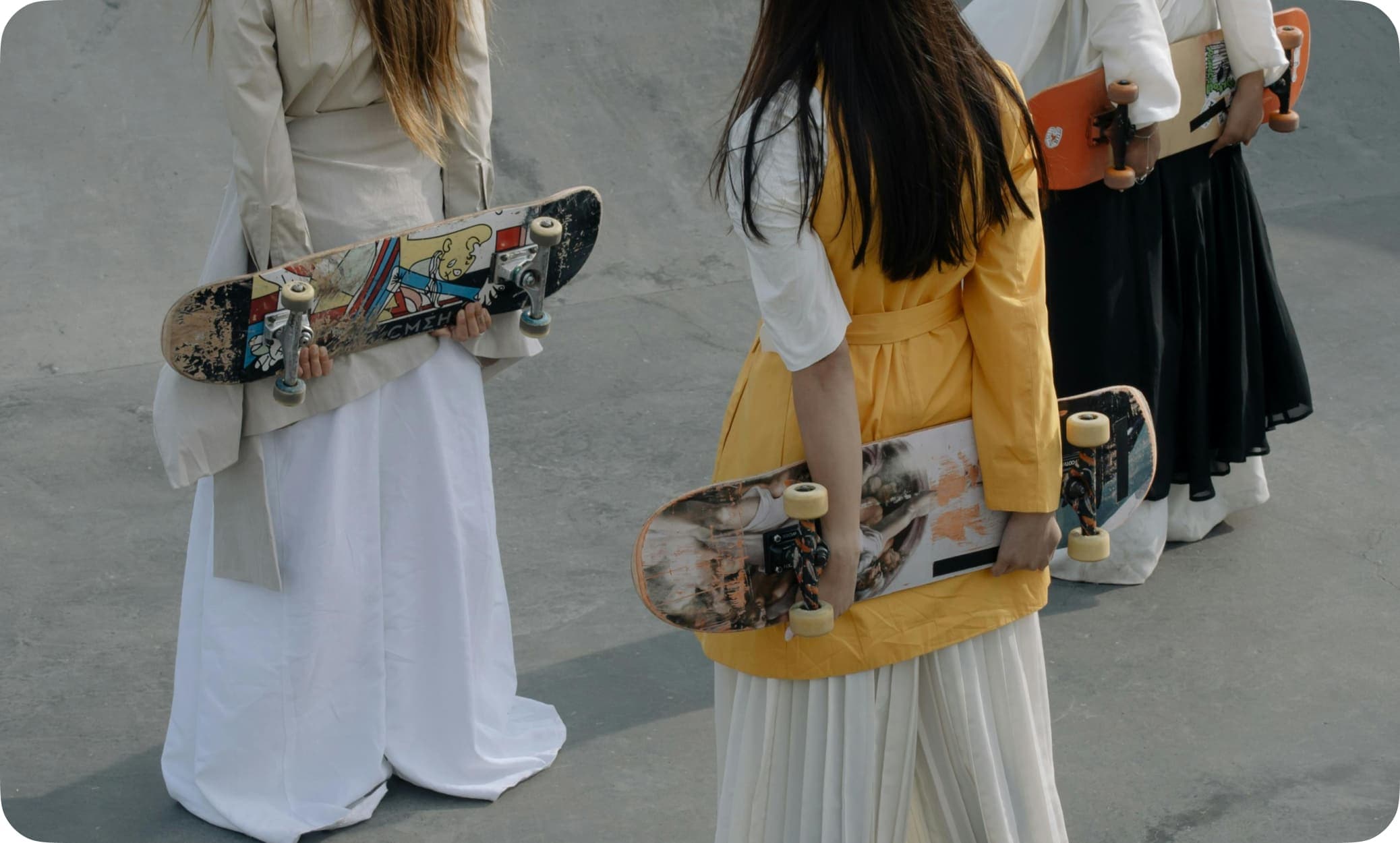


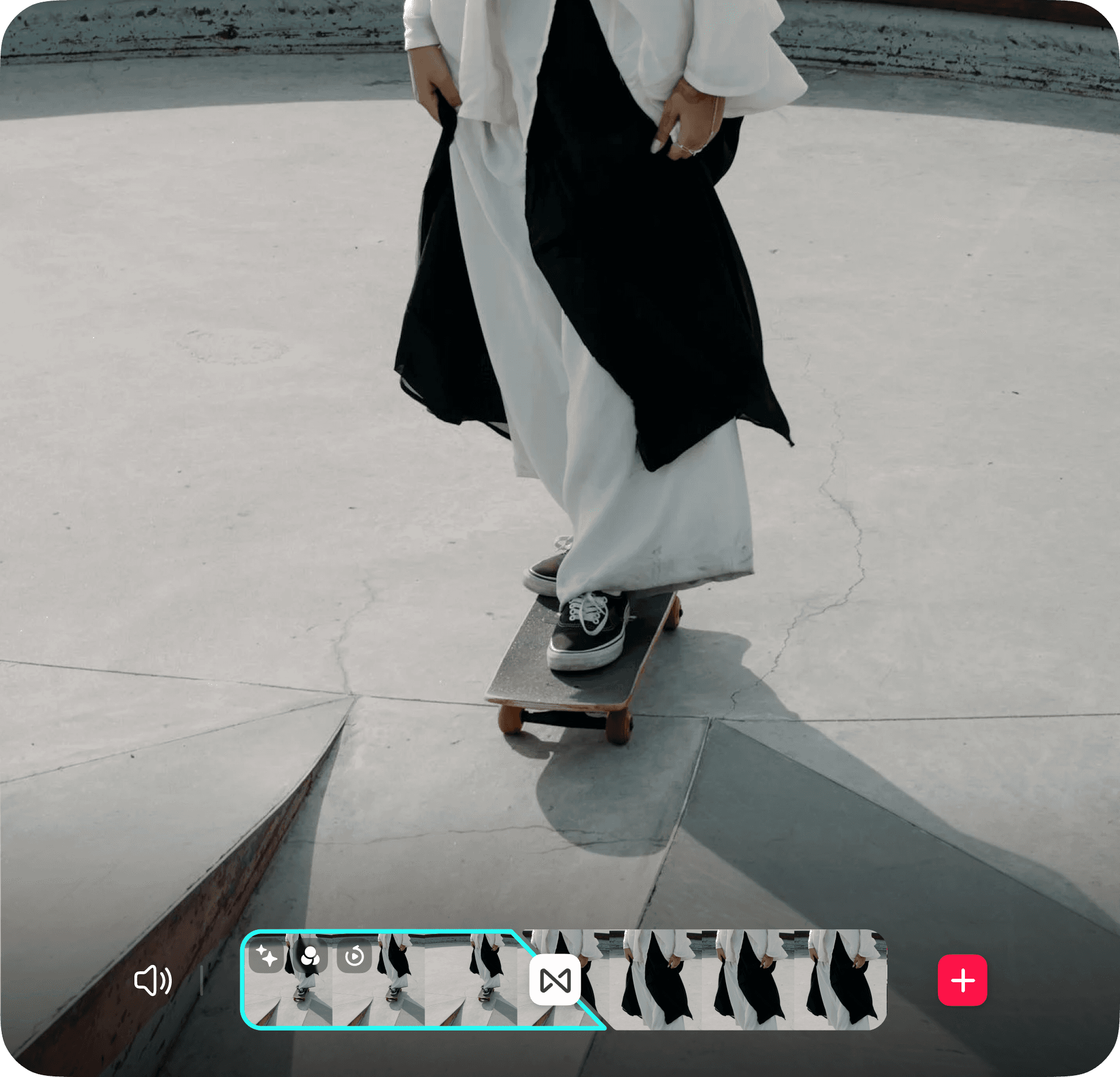
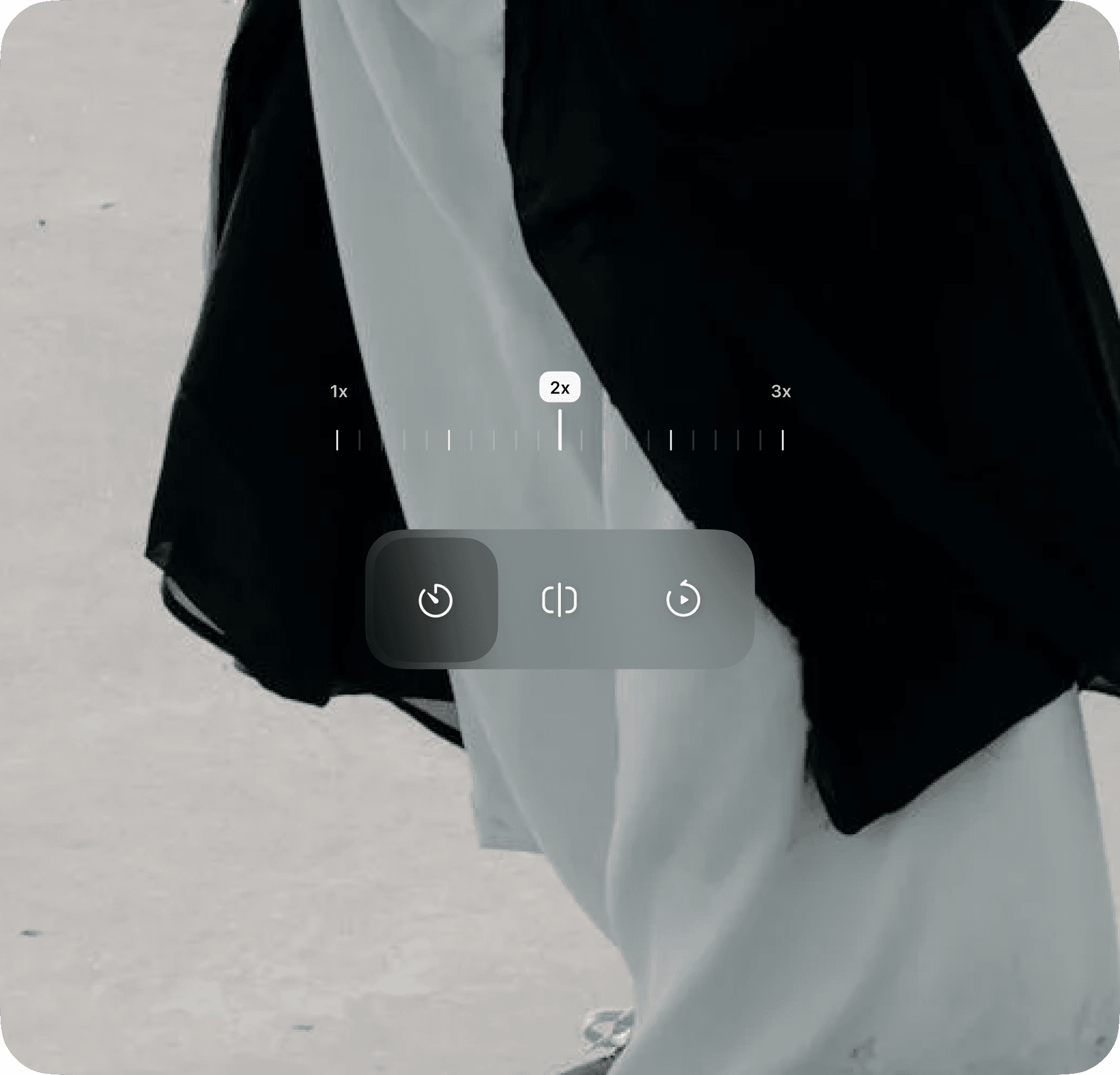
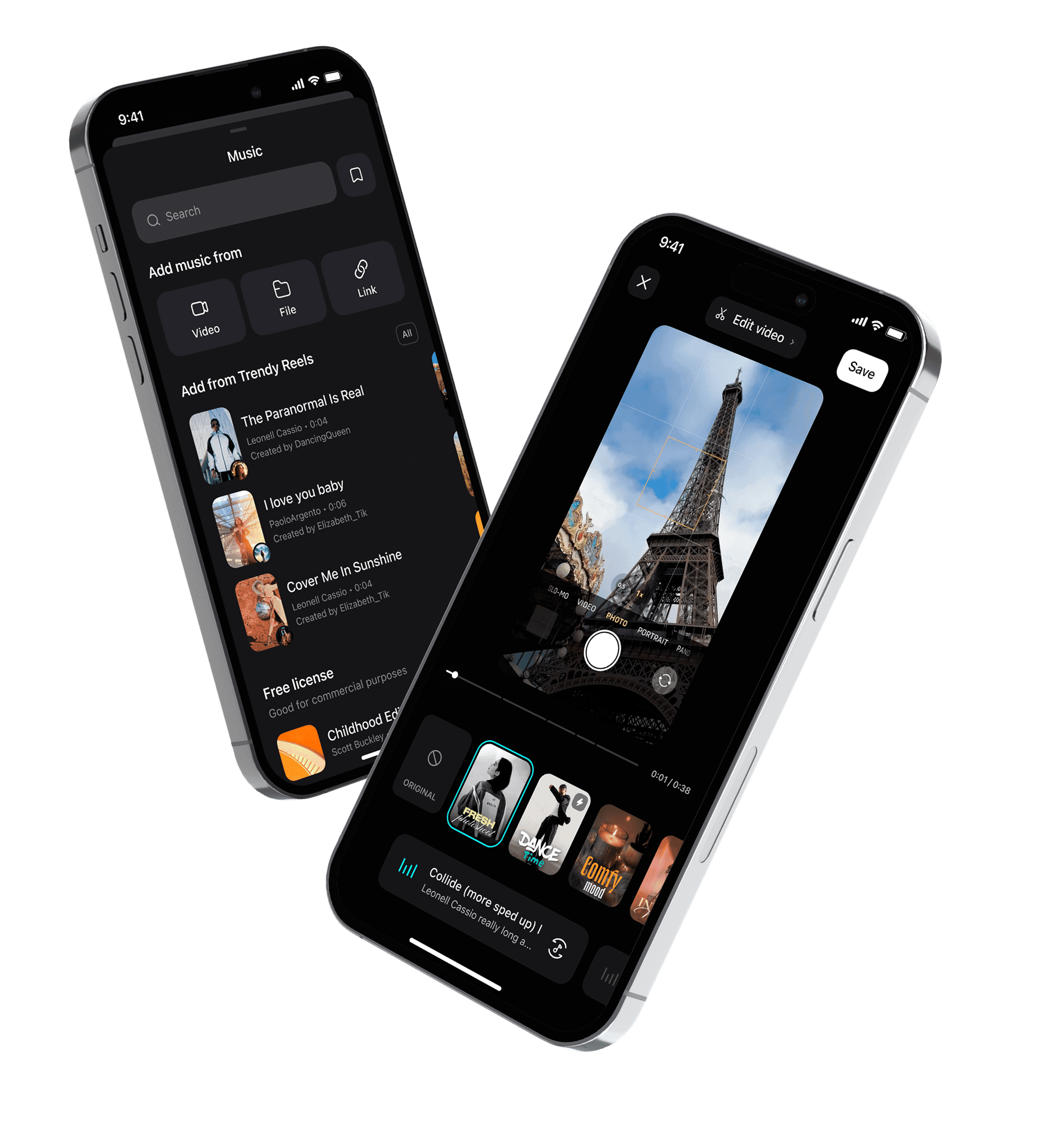
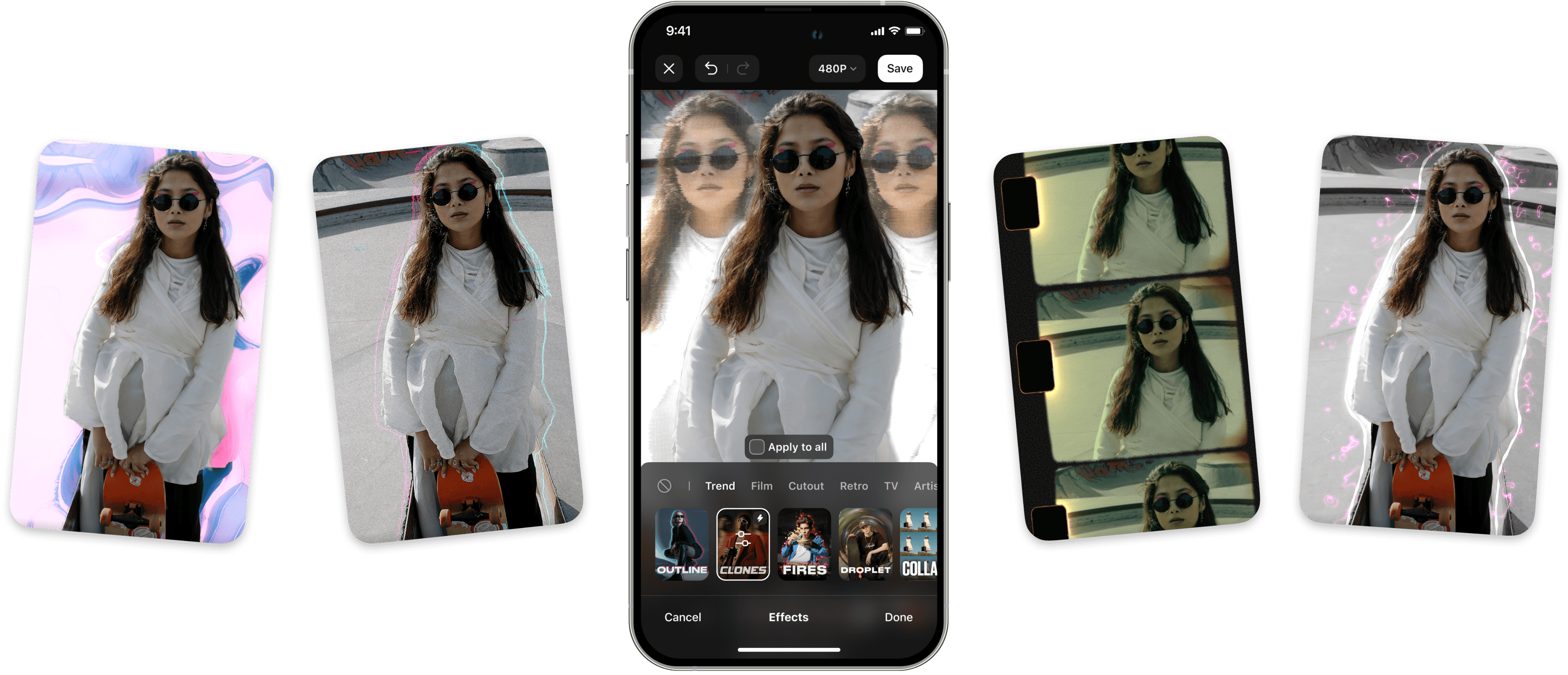
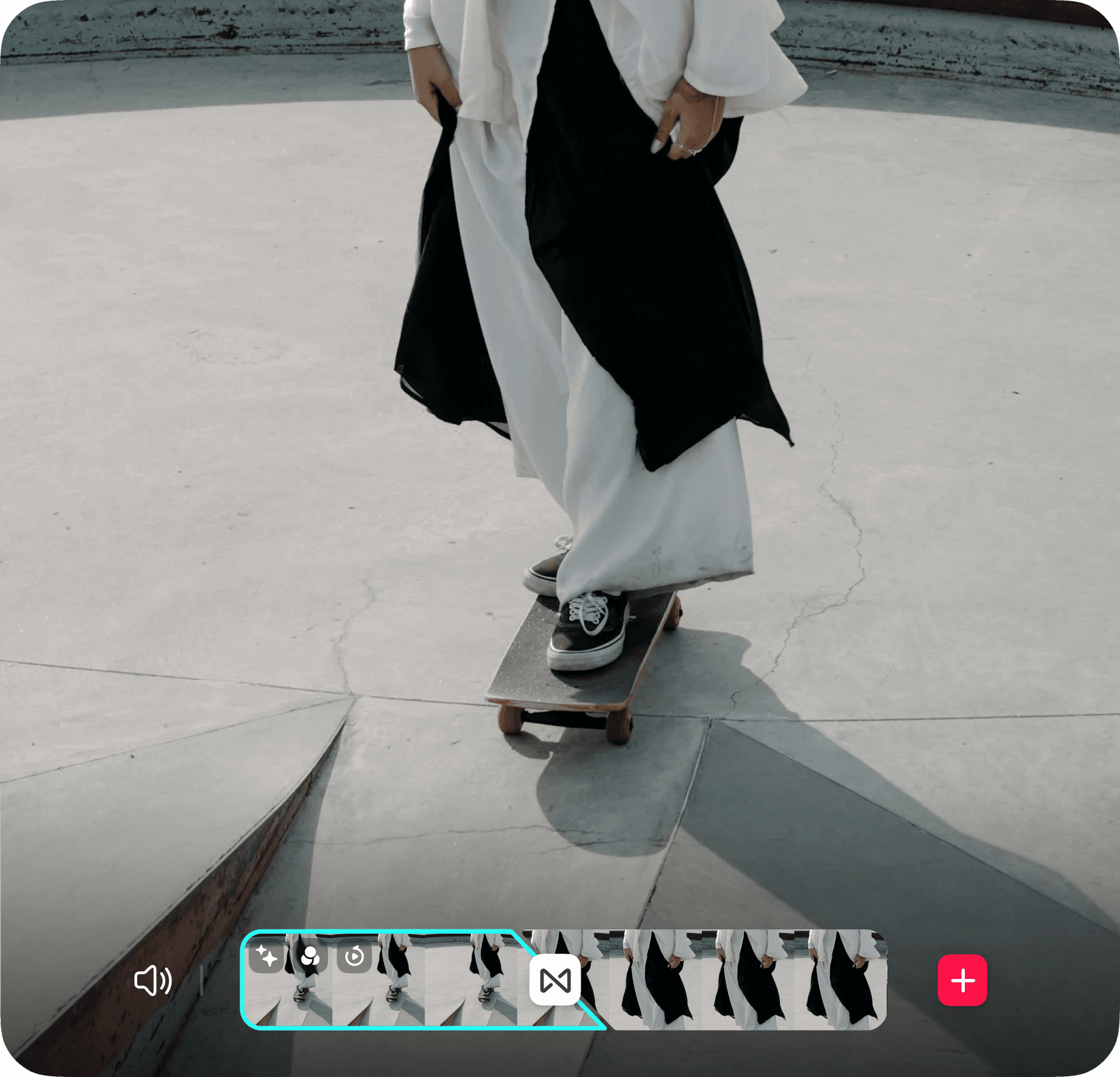
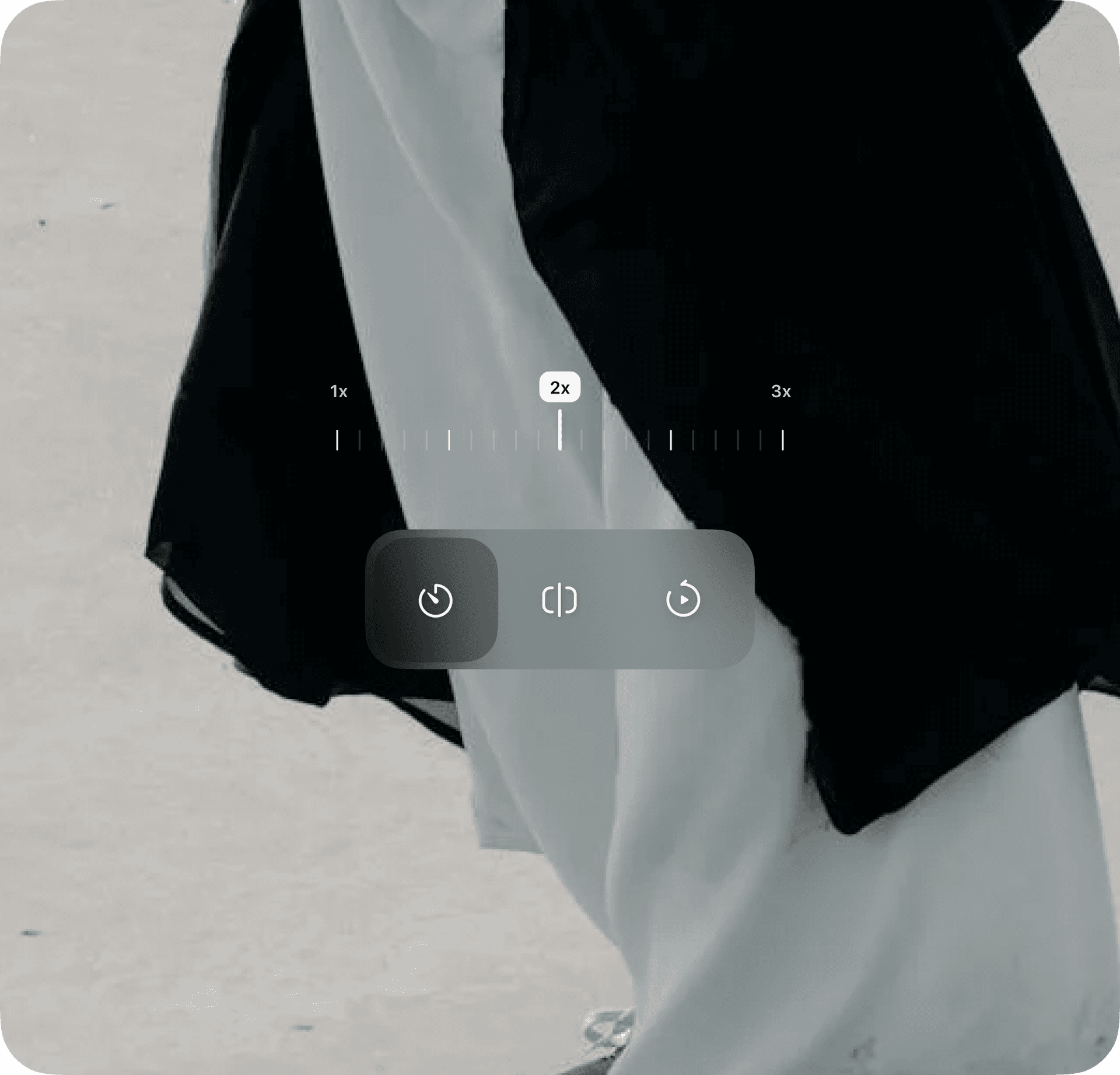
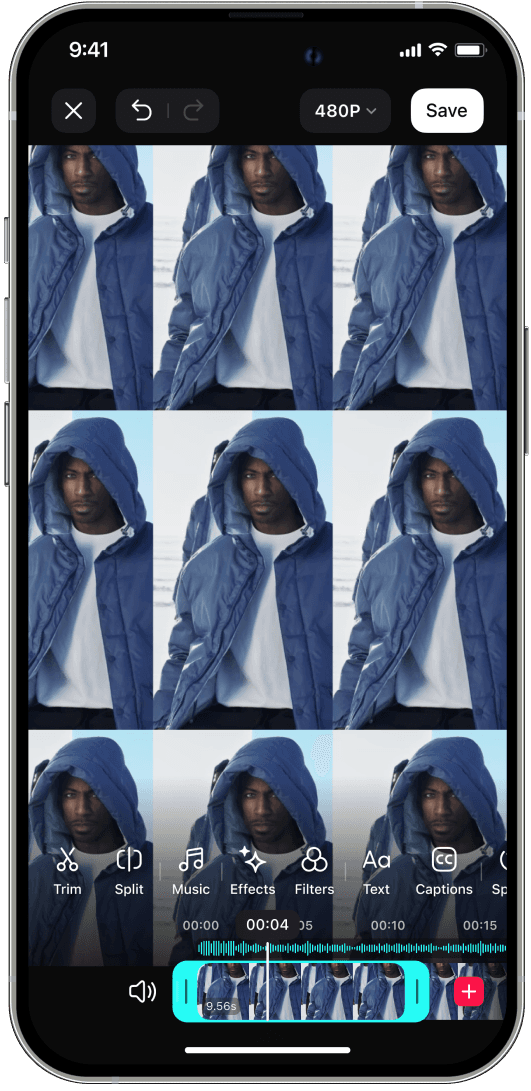
Users who do not use templates can edit the video themselves in a fully featured video editor
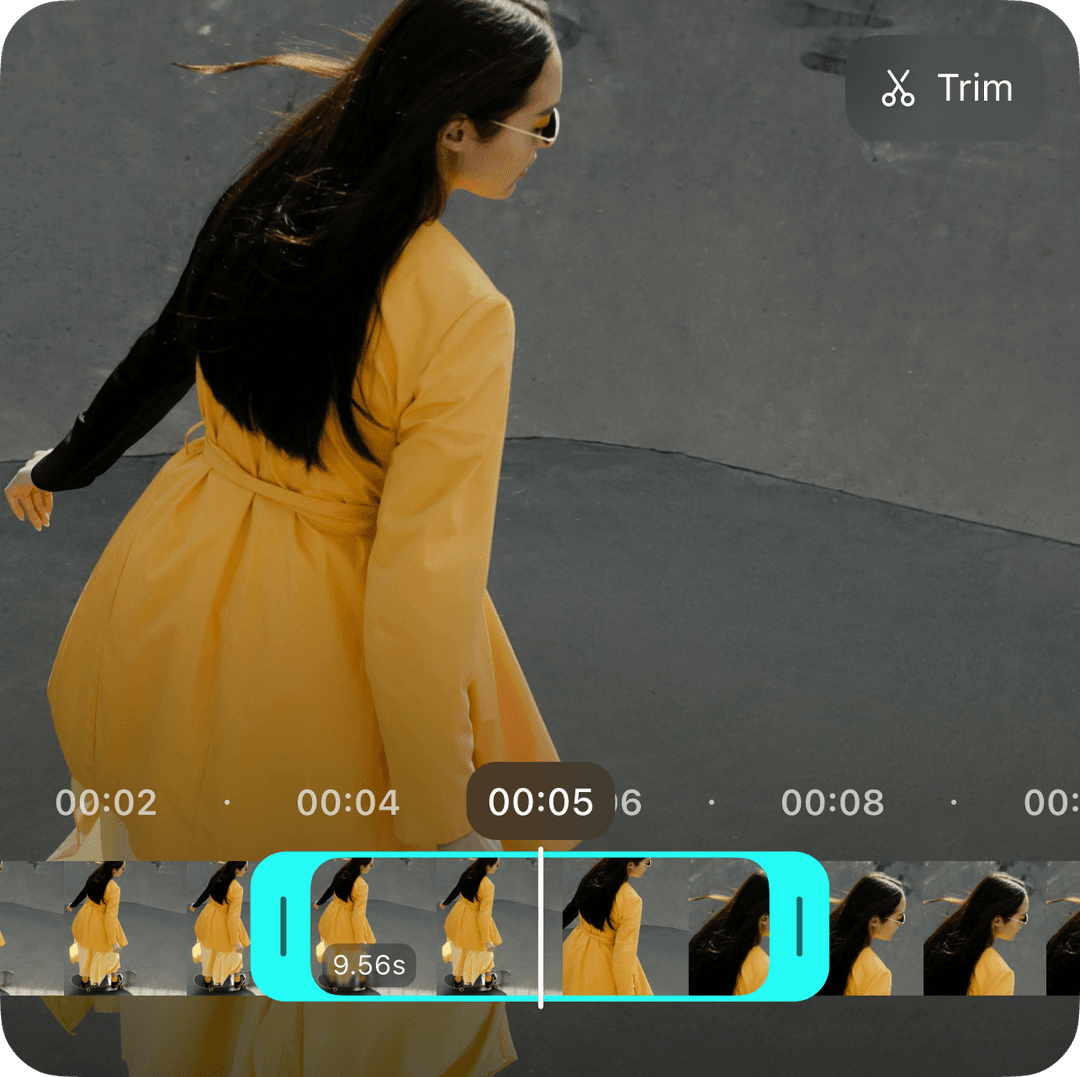
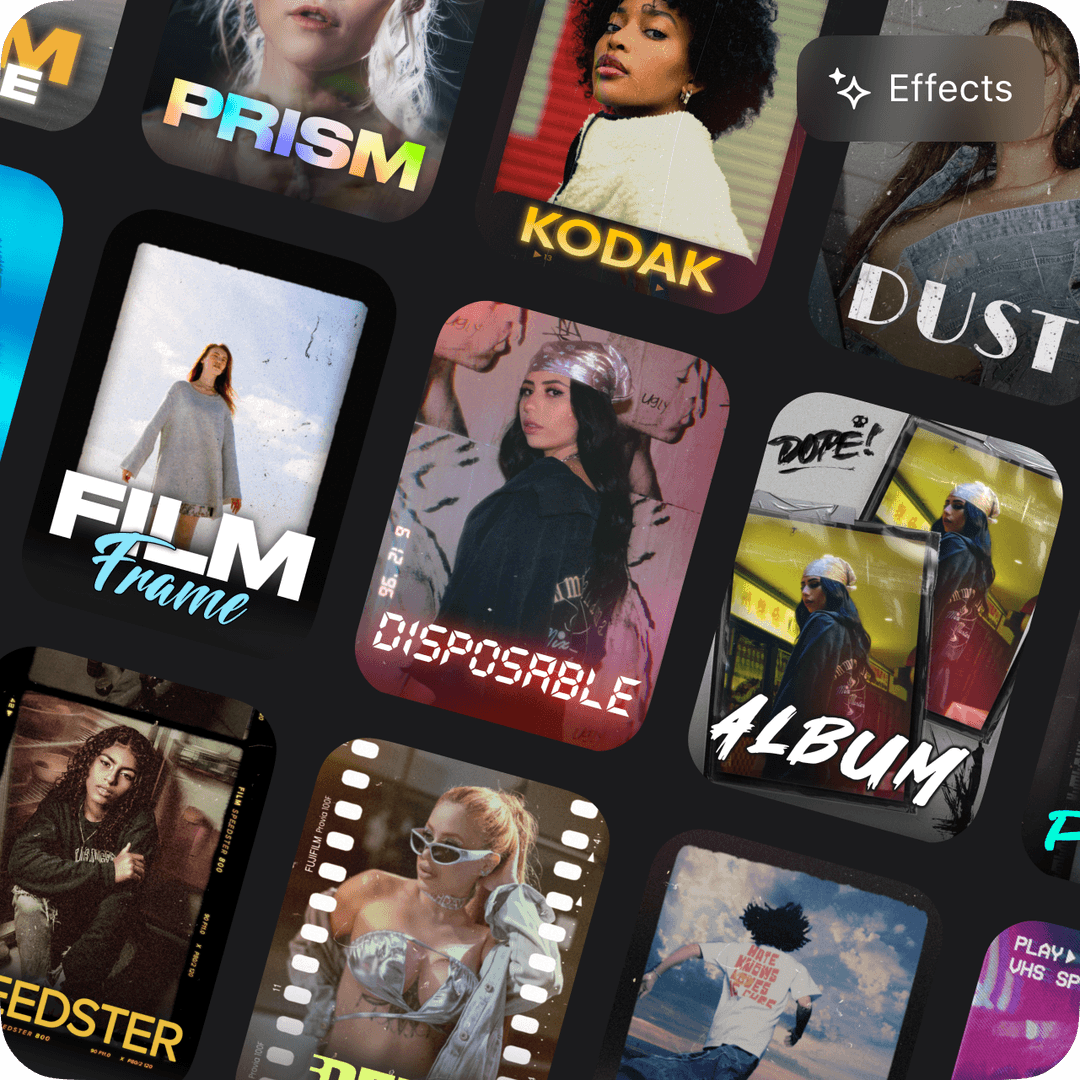
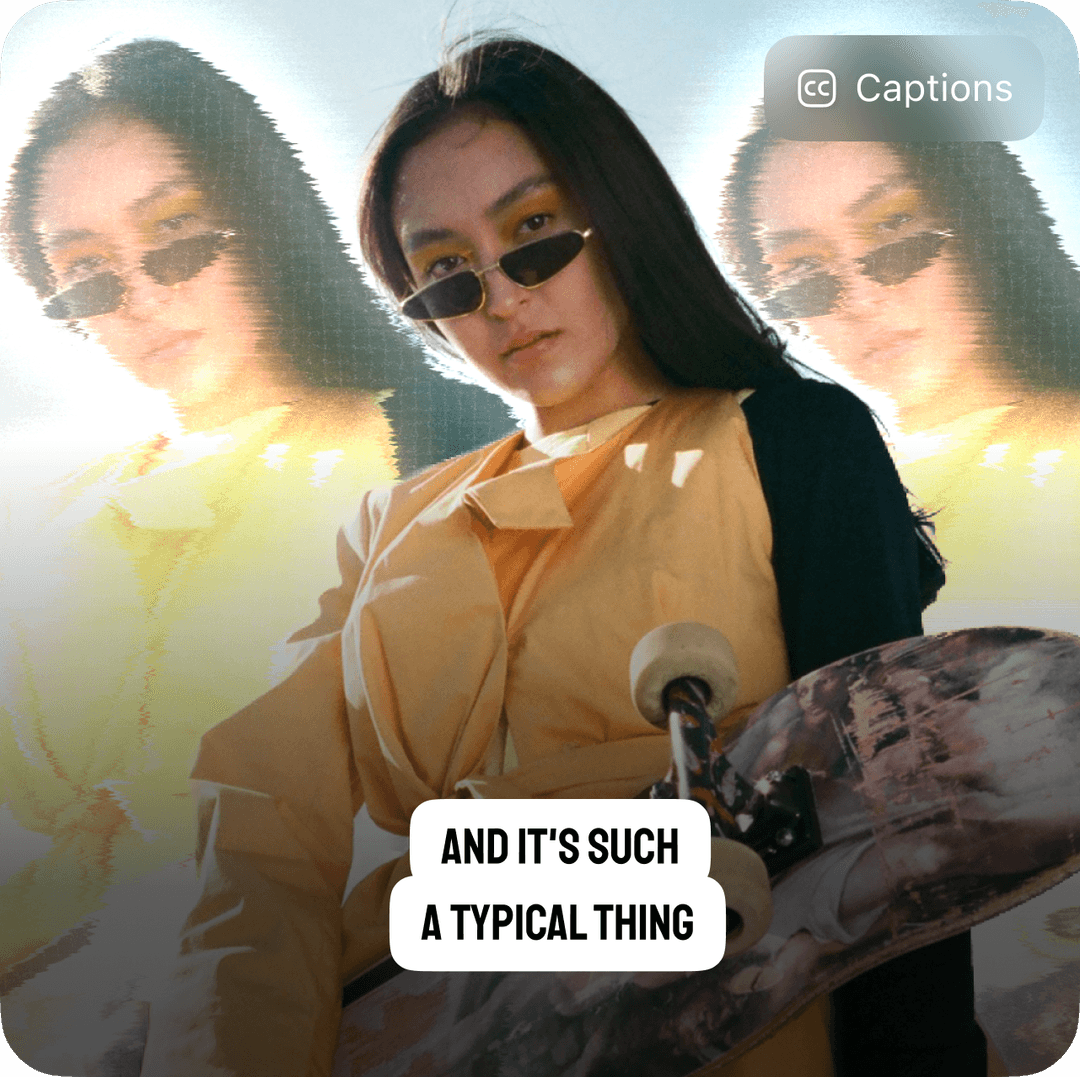
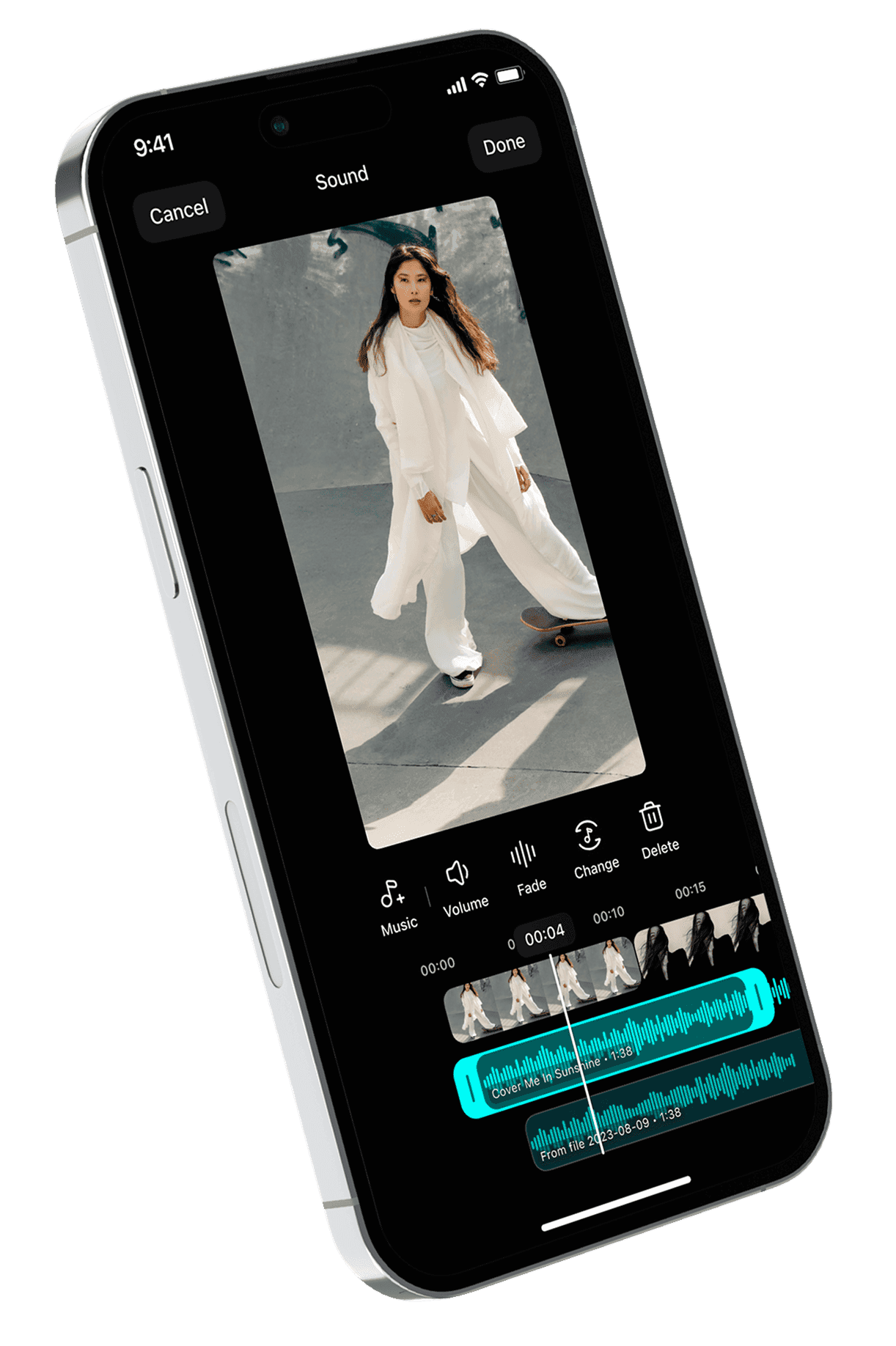
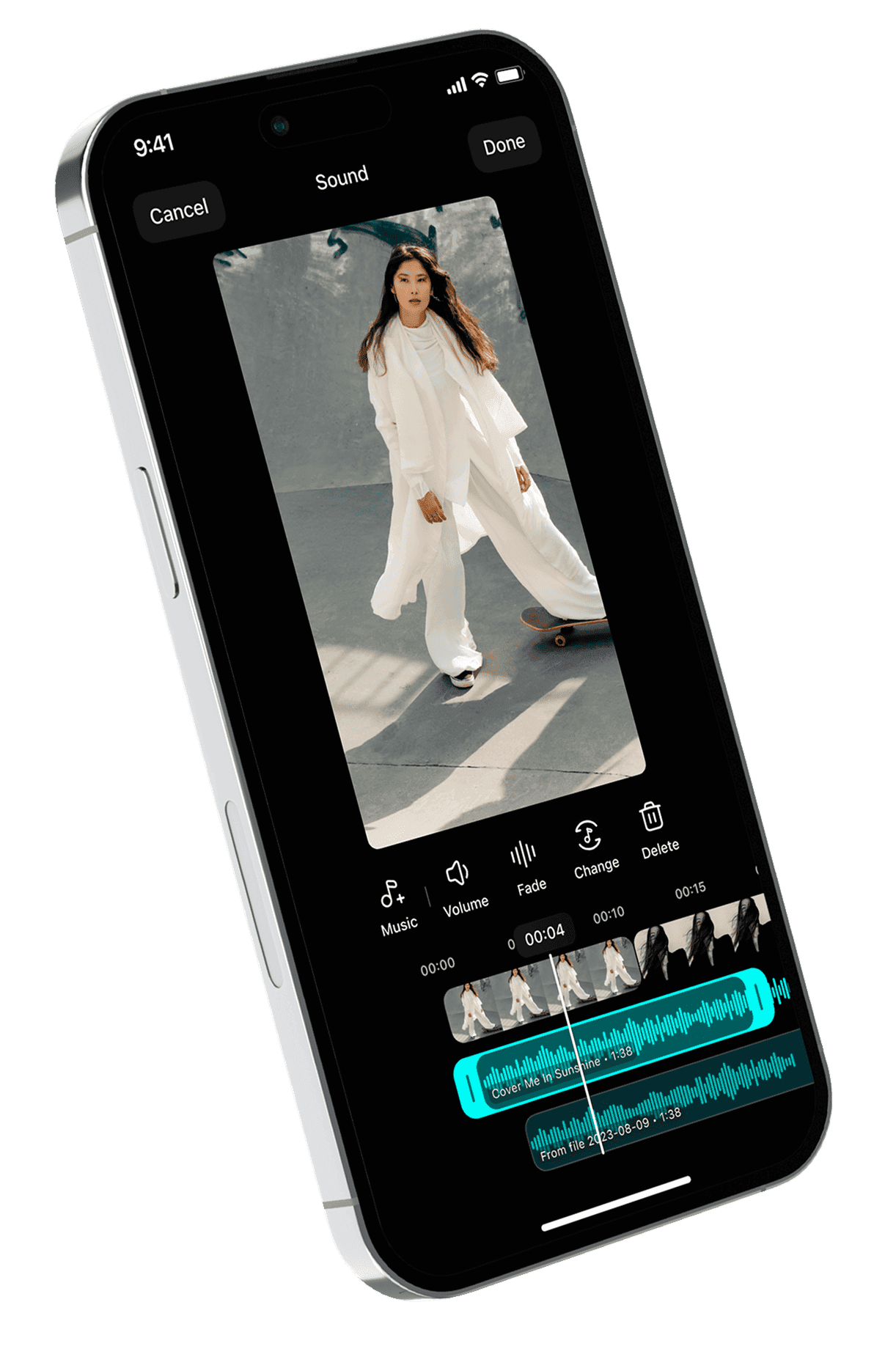
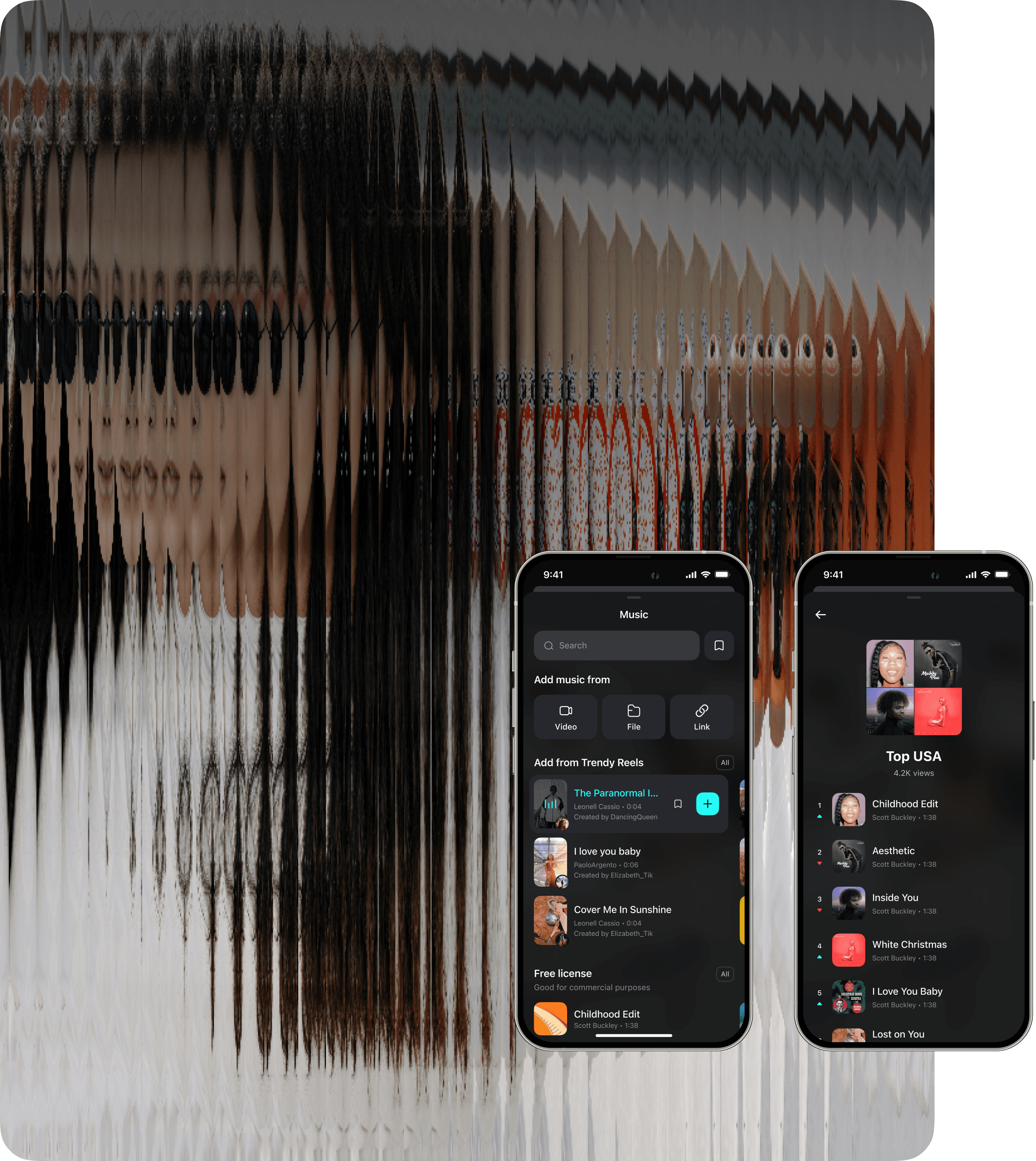
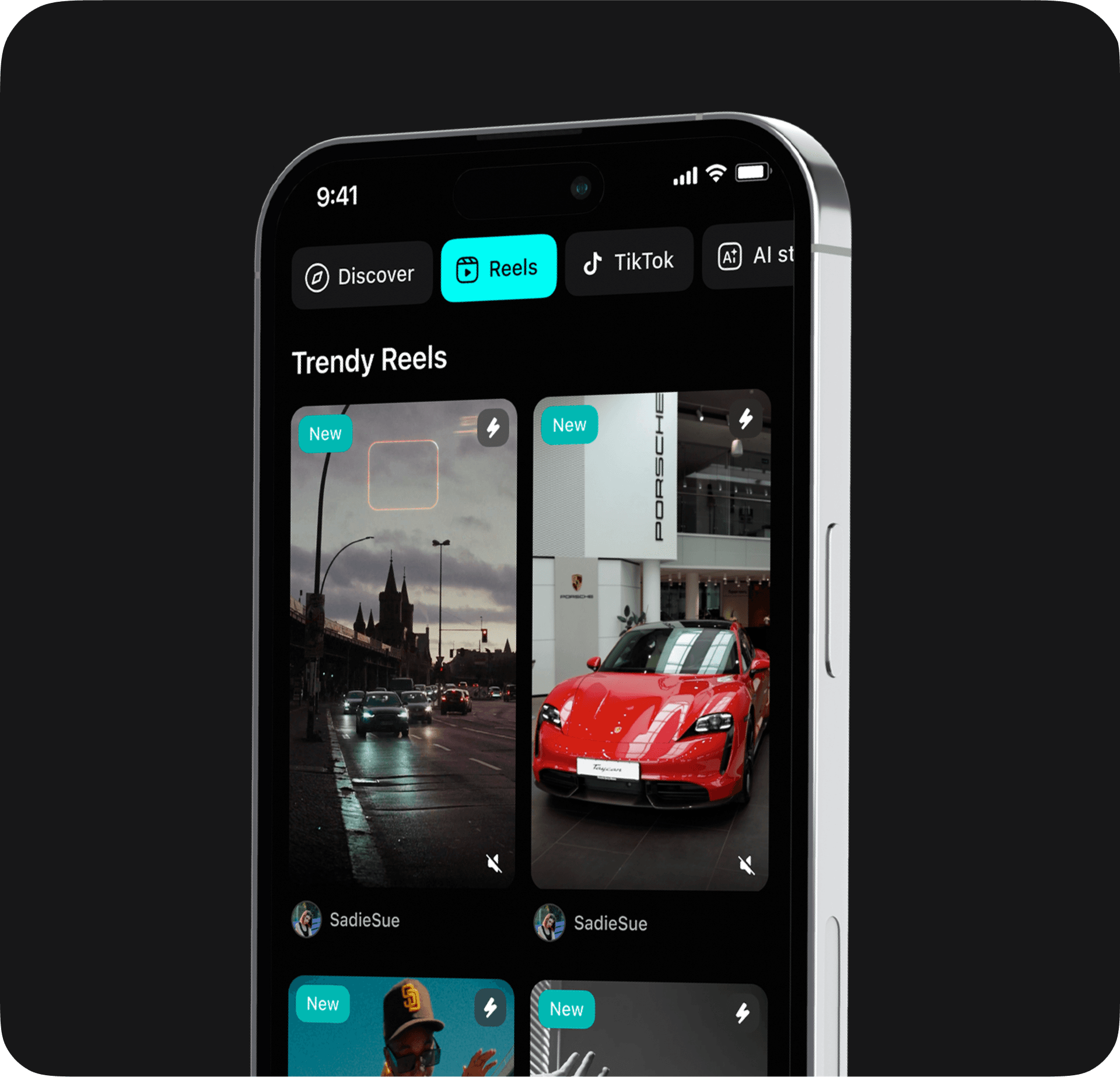
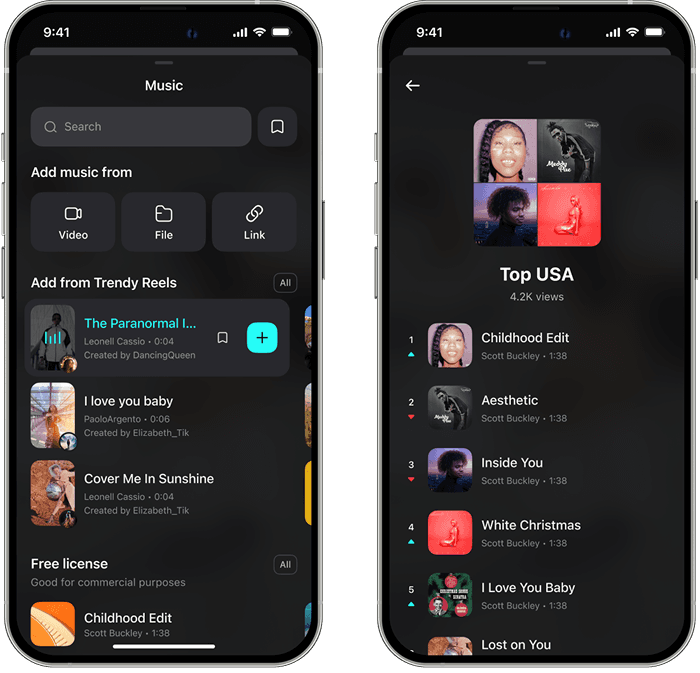
We know how important music is for trendy Reels. That's why we've added different ways to find or load track
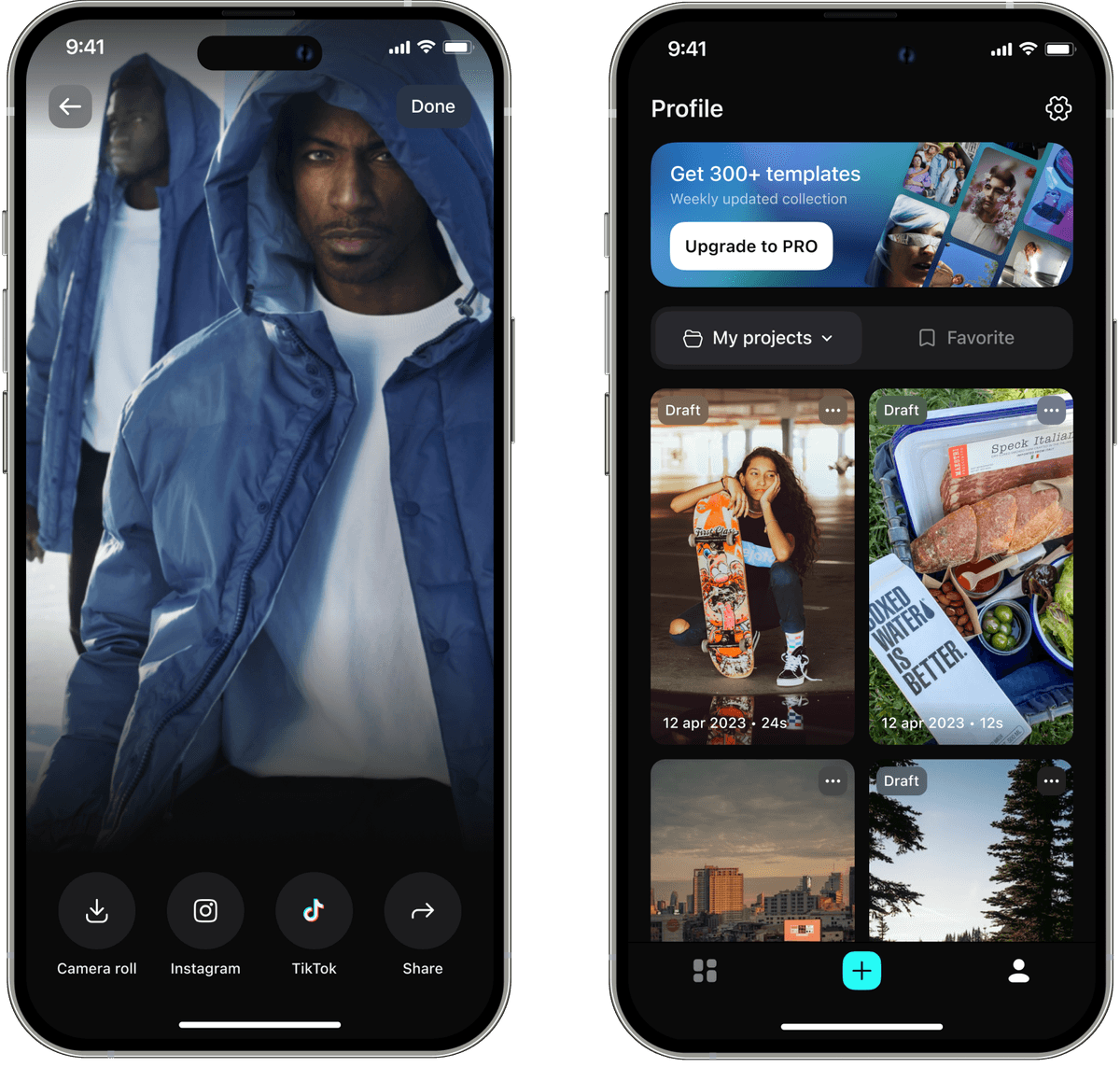
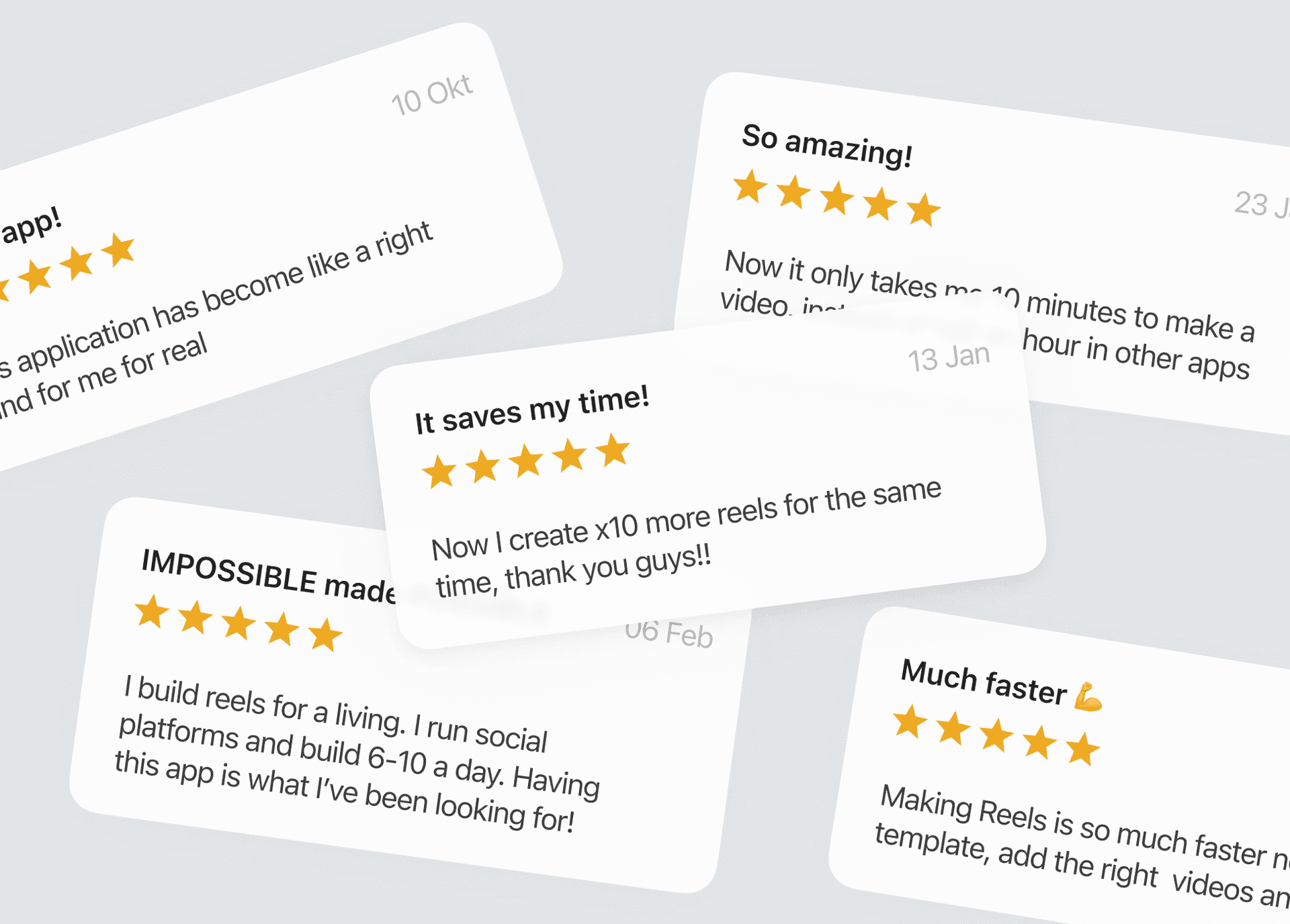
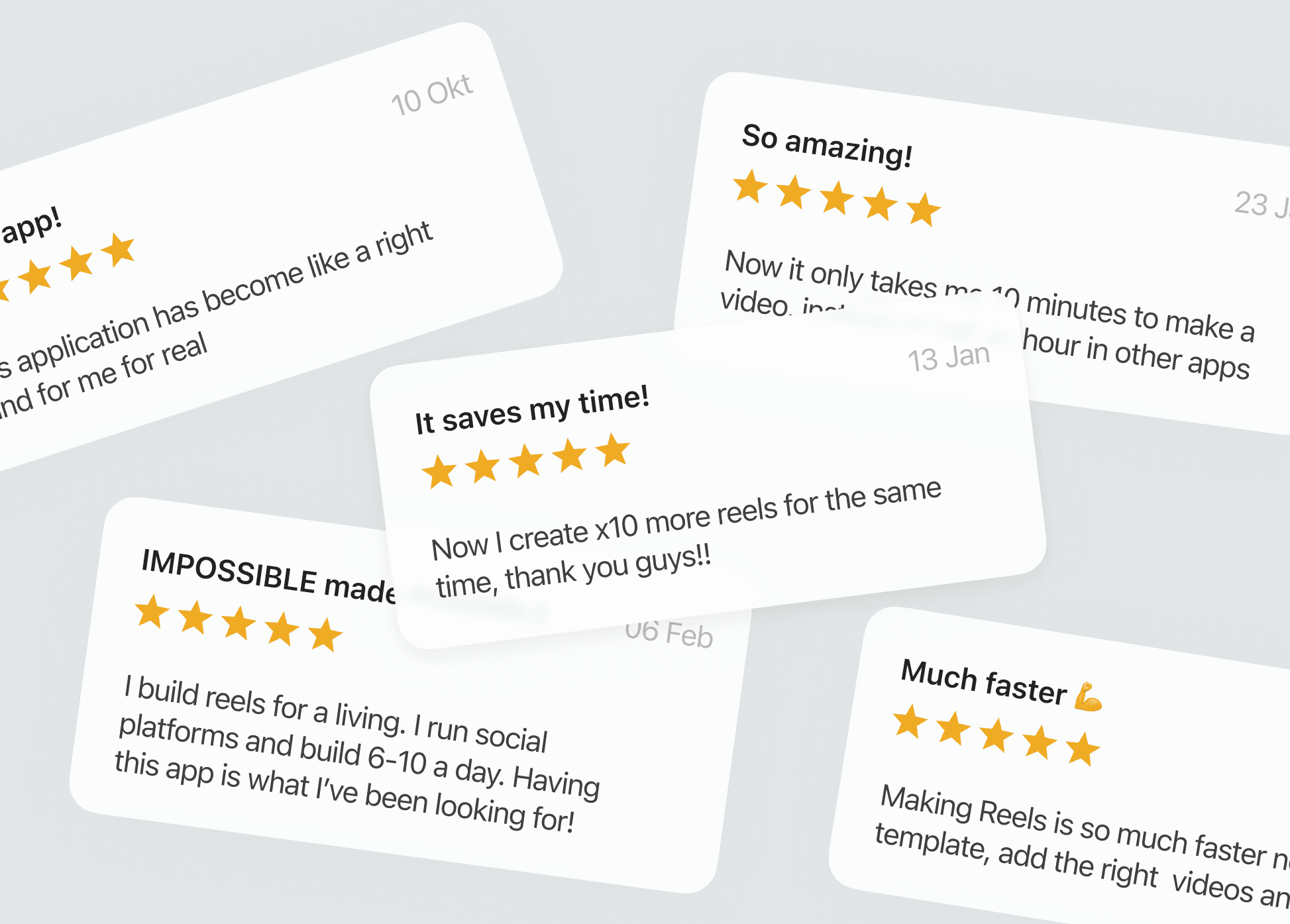
We achieved amazing results in one year, which we validated with both metrics and positive user feedback in interviews
+8.2%
Overall conversion to subscriptions
+22.8%
Conversion to video saving and uploading
+35.5%
Conversion to using editing tools
+5.2%
Export and saving video retention



You can save the finished video to your phone's gallery or you can share it directly to social networks: for example, via instagram sound